
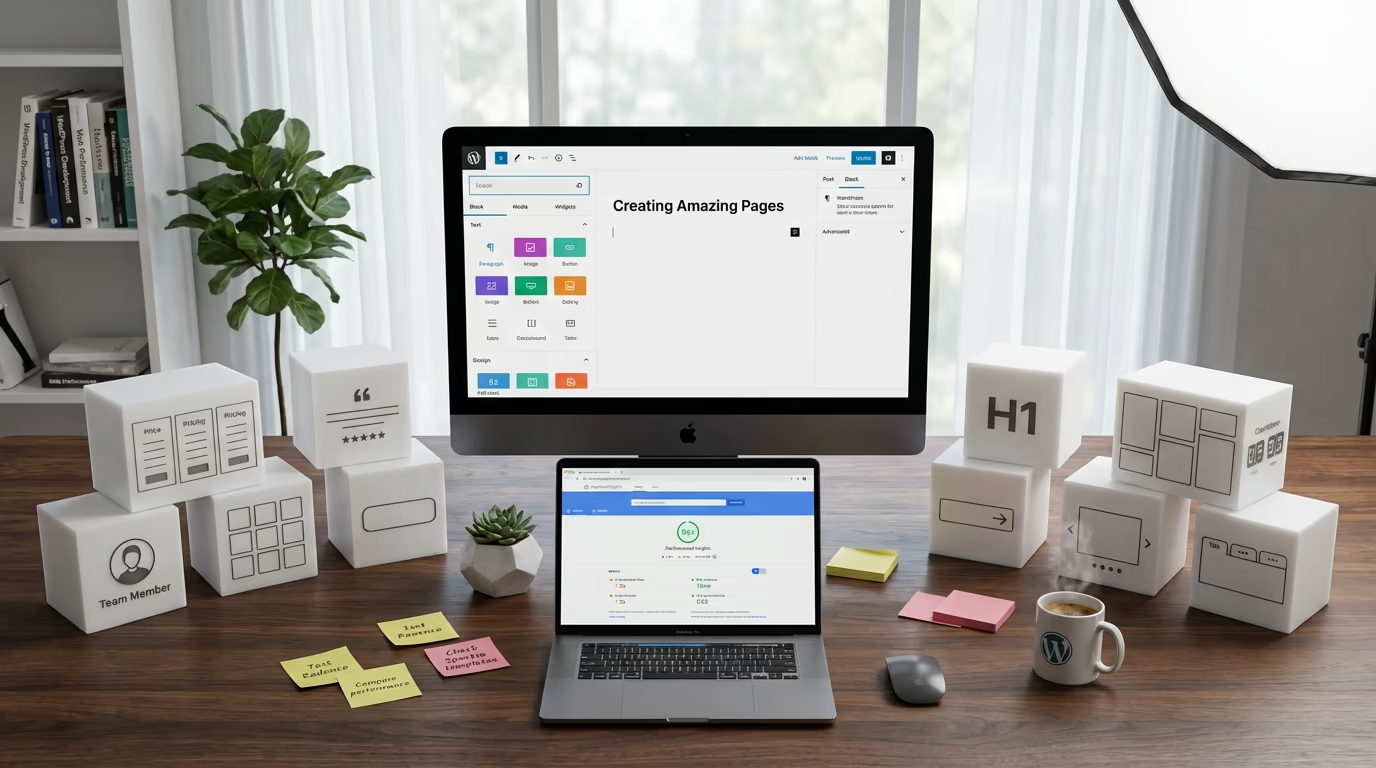
The default WordPress block editor ships with around 114 core blocks. That sounds like a lot until you try building a pricing table, adding a testimonial slider, or creating a professional team section. Suddenly those 114 blocks feel limiting, and you’re searching for alternatives.
Finding the best Gutenberg blocks plugin for your site isn’t straightforward. The WordPress repository lists hundreds of block plugins, each promising to transform your editing experience. Some deliver on that promise while others bloat your site with unused code and slow everything down. Performance matters here, a lot more than most people realize.
What Makes a Great Gutenberg Block Plugin
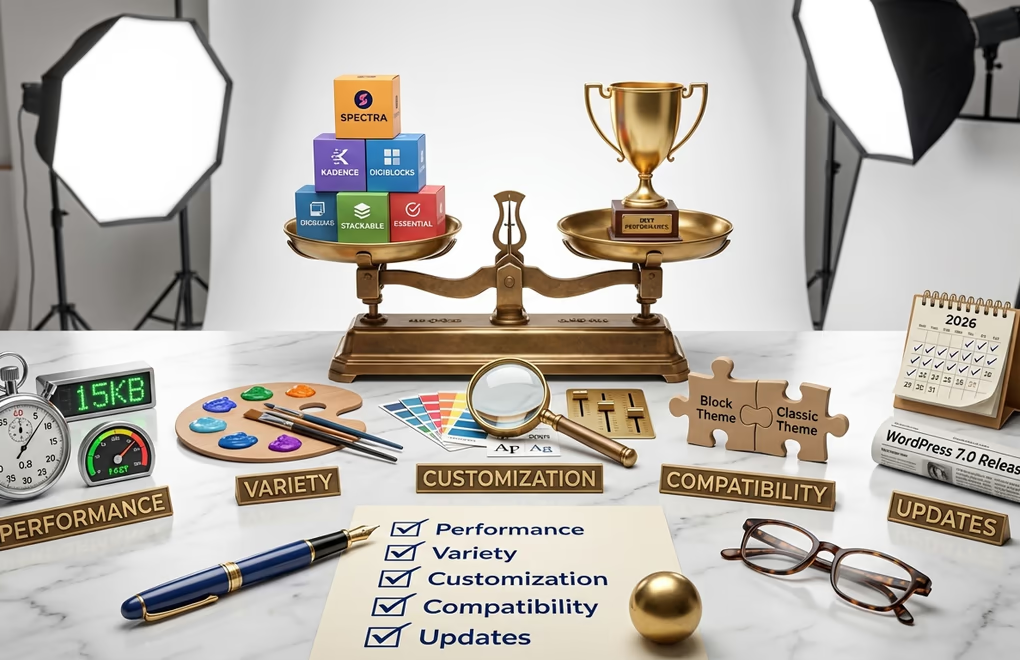
Not all block plugins are created equal, and the most popular options aren’t always the best choice for your specific situation. Before diving into individual recommendations, you should understand the criteria that separate excellent block plugins from mediocre ones.
Performance optimization sits at the top of my evaluation list. The best plugins only load CSS and JavaScript for blocks you actually use on each page. This conditional loading approach keeps your pages fast even when you have dozens of blocks available. Poorly optimized plugins dump their entire stylesheet and script library on every page regardless of what blocks appear there.
Block variety and usefulness matters, but more blocks doesn’t mean better. I’d rather have 40 well-designed blocks that cover real use cases than 100 blocks where half are variations of the same thing. Look for plugins that include practical blocks like pricing tables, testimonials, FAQ/accordions, team members, and post grids rather than novelty blocks you’ll never use.
Customization depth determines how closely you can match blocks to your existing design. Good plugins offer granular control over typography, spacing, colors, and responsive behavior. Great plugins let you customize these settings per-device so your mobile layout can differ from desktop without writing custom CSS. If you’ve ever tried matching your theme’s fonts and colors in a block plugin with limited options, you know how frustrating restricted customization can be.
Theme compatibility shouldn’t require workarounds. Your block plugin needs to work with block themes built for Full Site Editing as well as classic themes using the Customizer. Some plugins only work properly with specific themes from the same developer, which locks you into an ecosystem you might not want.
Update frequency and support indicate long-term viability. WordPress releases major updates multiple times per year, and block editor improvements come even faster. Plugins that haven’t been updated in six months often break with new WordPress versions. Check the changelog before installing any block plugin.
Here is how the top Gutenberg blocks plugins compare on the features that matter most for performance and flexibility.
| Plugin | Blocks | Free Tier | Pro Price | Conditional Loading | FSE Support |
|---|---|---|---|---|---|
| GutenKit | 90+ | Yes | $39/yr | Yes | Yes |
| Spectra | 30+ | Yes | $59/yr | Yes | Yes |
| Kadence Blocks | 25+ | Yes | $99/yr | Yes | Yes |
| DigiBlocks | 60+ | Yes | $129/yr bundle | Yes | Yes |
| Stackable | 75 | 27 free | $49-149/yr | Yes | Yes |
| GenerateBlocks | 9 | Yes | $39-99/yr | Yes | Yes |
| Otter Blocks | 26+ | Yes | $69-149/yr | Partial | Partial |
| Essential Blocks | 70+ | Yes | $49/yr | Partial | Yes |
| CoBlocks | 54 | All free | Free | No | Partial |
Spectra: The Popular All-Rounder
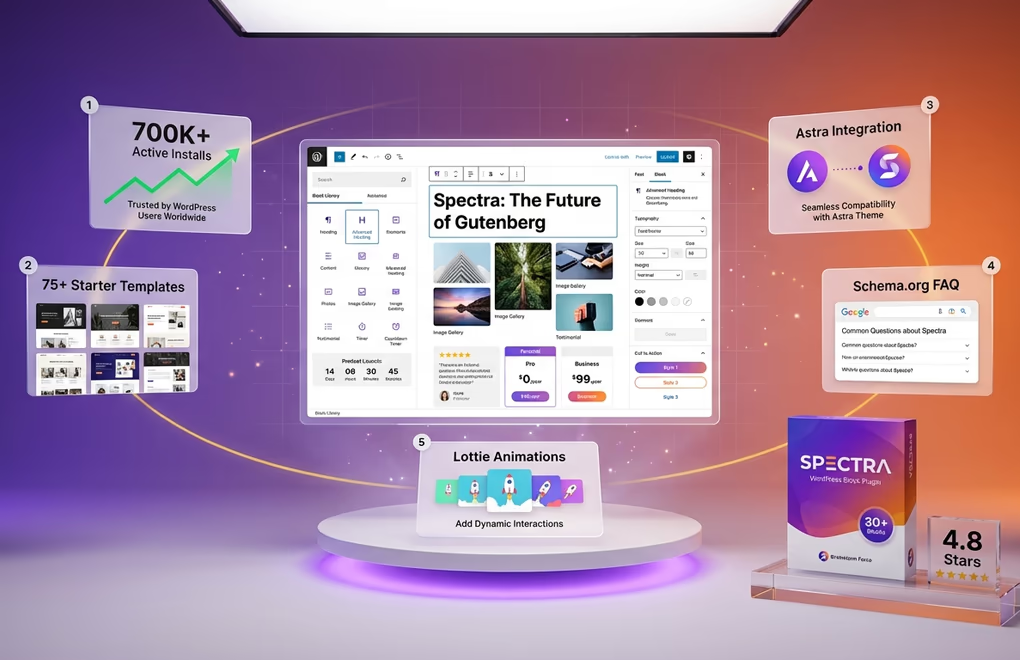
Spectra, formerly known as Ultimate Addons for Gutenberg, comes from Brainstorm Force, the team behind the Astra theme. With over 1 million active installations, it’s one of the most widely used Gutenberg block plugins available. The plugin offers 30+ blocks covering common design needs including advanced headings, image galleries, testimonials, price lists, and marketing-focused elements like countdown timers and call-to-action boxes.
The integration with Astra theme works smoothly, which makes Spectra an obvious choice if you’re already using that theme. You get access to 100+ starter templates (300+ with premium bundles) that combine multiple blocks into ready-made page sections. These templates speed up the design process significantly, especially for landing pages and service pages where you’d otherwise spend time arranging blocks manually.
Spectra includes some genuinely useful features like Schema.org integration for improved search visibility. The social sharing blocks and star rating elements address common content needs that WordPress core blocks don’t cover. Lottie animation support adds modern motion graphics without requiring you to understand animation code.
Kadence Blocks: Developer Favorite with Deep Customization
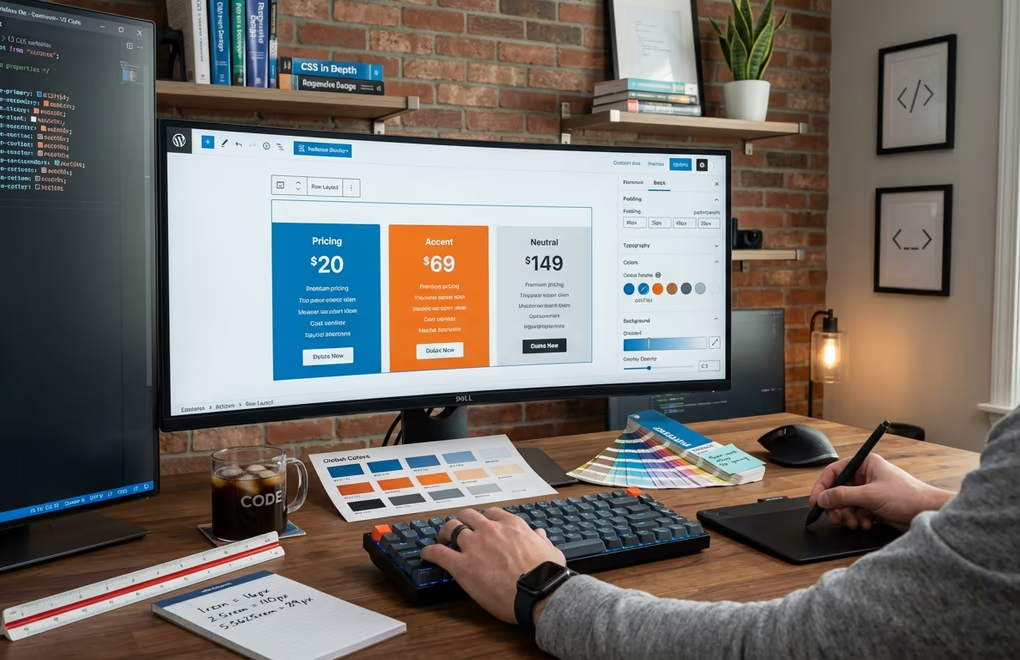
Kadence Blocks has earned a reputation as the thinking person’s block plugin. It doesn’t try to overwhelm you with hundreds of blocks but instead offers around 25 highly flexible blocks with extraordinary customization depth. The Row Layout block alone can replace half the specialty blocks in competing plugins because it supports complex column arrangements, backgrounds, overlays, and responsive visibility controls.
What sets Kadence apart is the granular control over every design aspect. You can adjust spacing in pixels, em, rem, or percentage units. Typography controls let you set different font sizes for desktop, tablet, and mobile independently. Color options include global color palette integration so changing your brand colors updates all Kadence blocks automatically. This level of control makes Kadence particularly popular with developers and designers who need precise output.
The plugin activates only the blocks you need through its settings panel. Disabling unused blocks prevents their code from loading entirely, not just on the frontend but in the editor too. This approach keeps both your admin panel responsive and your published pages lightweight. In my testing, pages built with Kadence consistently showed lower Time to Interactive scores compared to pages using plugins with larger block libraries.
DigiBlocks: Performance-First Modern Alternative
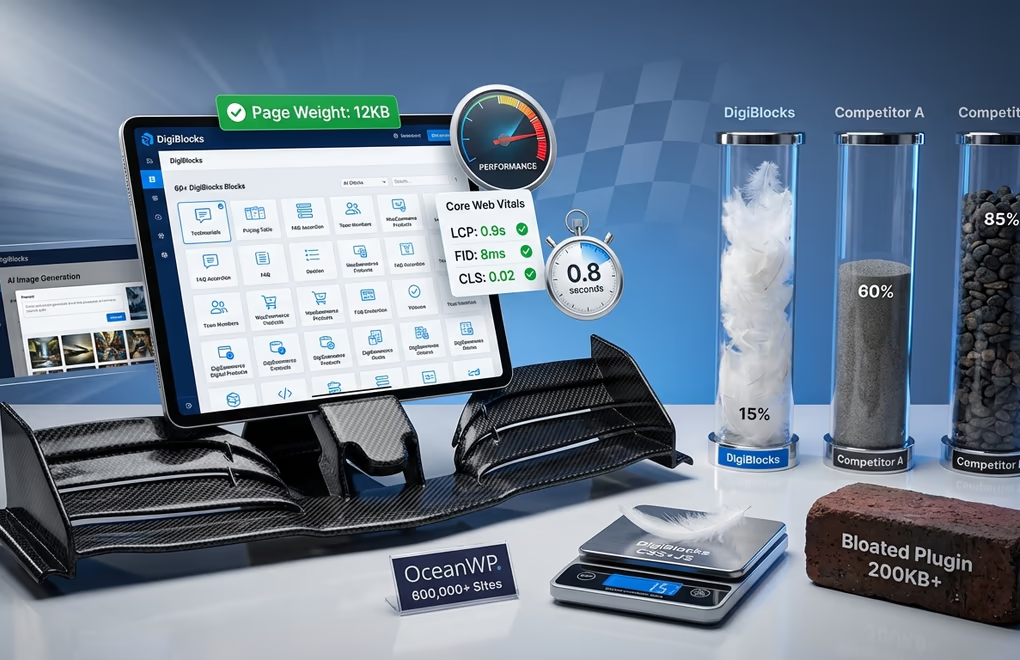
DigiBlocks takes a different approach from the established players. Built from the ground up with performance as the primary concern, it offers 60+ blocks while maintaining strict asset loading discipline. CSS and JavaScript only load for blocks present on each specific page, keeping page weight minimal regardless of how many blocks you have available.
The block collection covers essential design elements like headings, text, buttons, and images with advanced controls, plus specialized blocks for testimonials, pricing tables, team members, FAQ accordions, and call-to-action sections. What makes DigiBlocks interesting for eCommerce sites is its native integration with both WooCommerce and DigiCommerce for digital products. You get dedicated product display blocks, cart icons, pricing blocks, and review sections that work without additional plugins.
The Pro version includes AI image generation directly in the editor. Describe the image you want, and it generates options without leaving Gutenberg. This feature eliminates the workflow of jumping between image generation tools and your WordPress dashboard. For content creators producing high volumes of posts, that time savings adds up quickly. The generated images save directly to your media library for reuse across your site.
Stackable: Design-Focused with Beautiful Defaults

Stackable stands out for its design-first philosophy. While other plugins give you functional blocks that require styling work, Stackable blocks look polished out of the box. The plugin provides 75 blocks (27 free, remainder Premium), with multiple layout presets each, so a testimonial block might offer 8 different arrangements you can apply with one click. This approach appeals to users who want professional results without design expertise.
The UI Library feature deserves special mention. It provides full-page layouts and section designs you can import directly into your editor. Unlike templates that lock you into specific structures, these designs use regular Stackable blocks, meaning you can modify every element after import. The library includes 375+ designs and updates regularly with new options matching current trends, keeping your site looking fresh without redesigning from scratch.
GenerateBlocks: Minimalist Power Users’ Choice
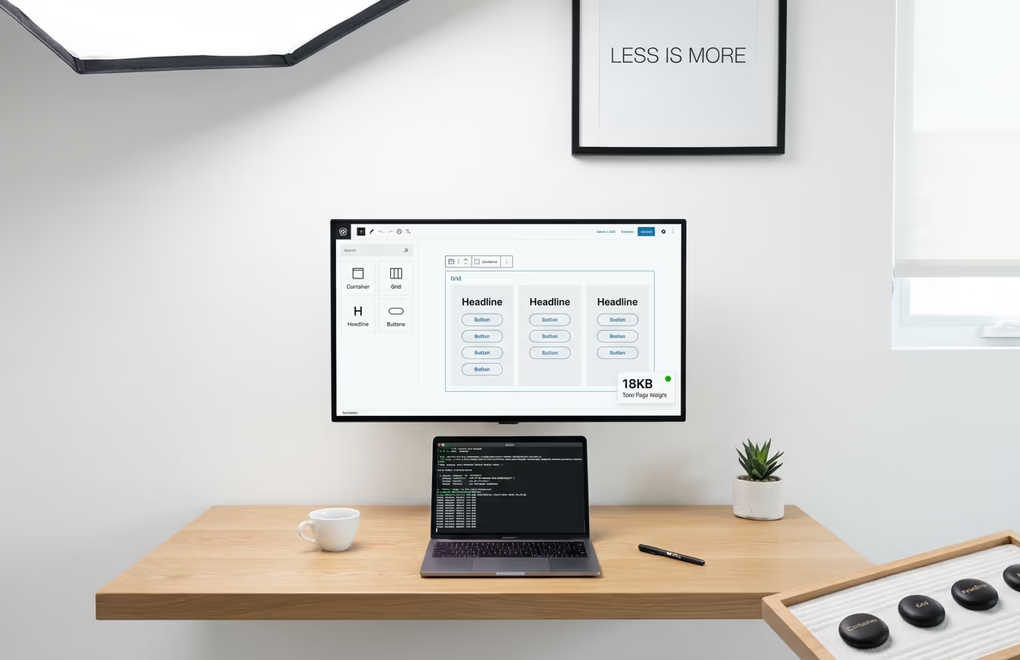
GenerateBlocks takes minimalism to its logical extreme. The plugin started with just four core blocks and has expanded to nine: Container, Grid, Headline, Buttons, Image, Query Loop, Shape, Looper, and Loop Item. The philosophy remains that these fundamental building blocks, when properly flexible, can create any layout you need. Users who understand CSS concepts will appreciate this approach because it maps directly to how modern web layouts actually work.
Performance numbers for GenerateBlocks are impressive. The plugin generates minimal CSS only for the blocks you use, and its HTML structure stays as simple as possible. The clean code output produces semantic HTML that search engines can easily parse. If page speed is your primary concern and you’re comfortable building layouts from primitives, GenerateBlocks is hard to beat. It pairs especially well with one of the fastest WordPress themes for maximum performance.
Otter Blocks: Solid Free Option with Good Templates

Otter Blocks from ThemeIsle has quietly grown to over 300,000 active installations by offering a generous free tier. The plugin includes 26+ blocks covering sections, advanced columns, testimonials, pricing, service boxes, and more. The ThemeIsle team also develops the Neve theme, and while Otter works with any theme, you’ll notice tighter design integration if you’re using Neve.
The patterns library in Otter provides quick starting points for common page types. Unlike some competitors where templates feel generic, Otter’s designs show thoughtful composition with proper spacing and typography hierarchy. You can filter templates by category and import either full pages or individual sections depending on what you need.
Essential Blocks: Feature Rich with Active Development

Essential Blocks from WPDeveloper offers 70+ blocks with an impressively low premium price point. Recent updates added AI-powered content and image generation, multi-column text support with typography customization, and an off-canvas block for menus and slide panels. The development team ships updates frequently, typically adding new blocks or features every few weeks based on their changelog.
The block collection includes some less common options like NFT galleries, Instagram feeds, and advanced tabs. If you need specific functionality that mainstream plugins lack, Essential Blocks might have it. With 200,000+ active installations and a 4.8-star rating, the plugin demonstrates good reliability and support responsiveness.
CoBlocks: GoDaddy Backed with Solid Fundamentals
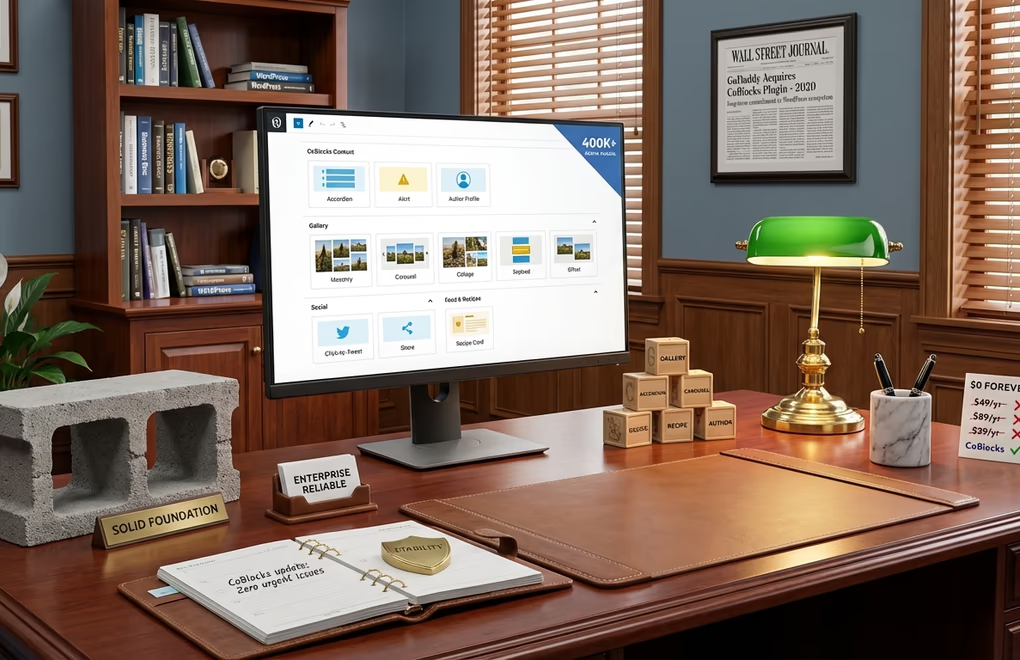
CoBlocks has around 300,000 active installations and backing from GoDaddy, which acquired the plugin in 2019. The corporate ownership provides stability. You won’t wake up to find the plugin abandoned because the solo developer moved on to other projects. GoDaddy maintains CoBlocks as part of their WordPress hosting ecosystem and created the companion Go theme.
The plugin provides 54 blocks focusing on page-building essentials rather than novelty features. You get solid implementations of accordions, alerts, author profiles, carousels, click-to-tweet, FAQ, events, forms, and food recipes among others. The gallery blocks offer masonry, carousel, collage, stacked, and offset layouts, covering most gallery use cases without needing a separate gallery plugin. The Typography Control Panel lets you customize fonts across both CoBlocks and core WordPress blocks.
How to Choose the Right Block Plugin for Your Site
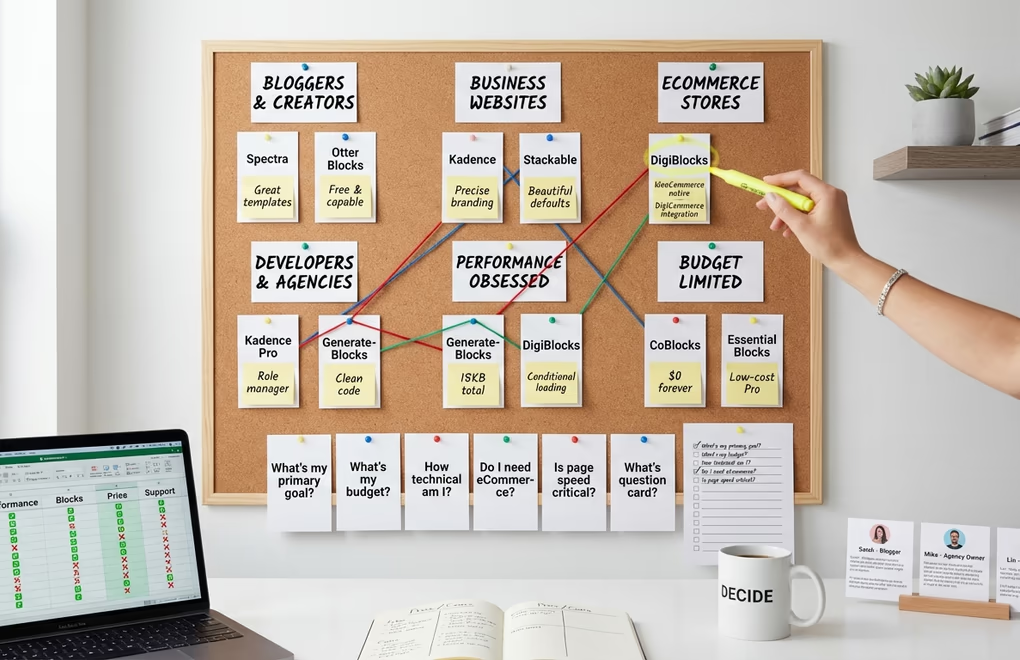
Bloggers and casual content creators are well served by Spectra or Otter Blocks. Both include table of contents blocks, generous template libraries, and enough design control for most post types, without the complexity that intimidates first-time users. If you’re already on the Astra theme, Spectra is the natural fit given how tightly the two products integrate.
Business websites and agencies should look at Kadence Blocks or Stackable for precise branding control, or DigiBlocks for eCommerce projects where native WooCommerce integration and page-speed savings translate directly into conversion gains. Developers who prefer working from layout primitives will find GenerateBlocks the leanest option on the table. GutenKit is worth evaluating if you want the largest block collection (90+ blocks with a mega menu builder and 900+ ready patterns) at a competitive $39/year price point. For anyone on a strict budget, CoBlocks offers 54 solid blocks at no cost, while Essential Blocks provides 70+ blocks with an affordable Pro upgrade path.
Whatever you choose, stick to one primary plugin and only add a second when the first genuinely cannot cover a specific need. A single well-chosen plugin keeps the block inserter clean, avoids CSS conflicts between competing libraries, and makes it far easier to maintain consistent styles across your site. Check that any plugin you consider implements conditional asset loading, because that one feature separates the performance-conscious options from those that will silently slow every page regardless of which blocks you actually use.
Can You Use Multiple Block Plugins Together
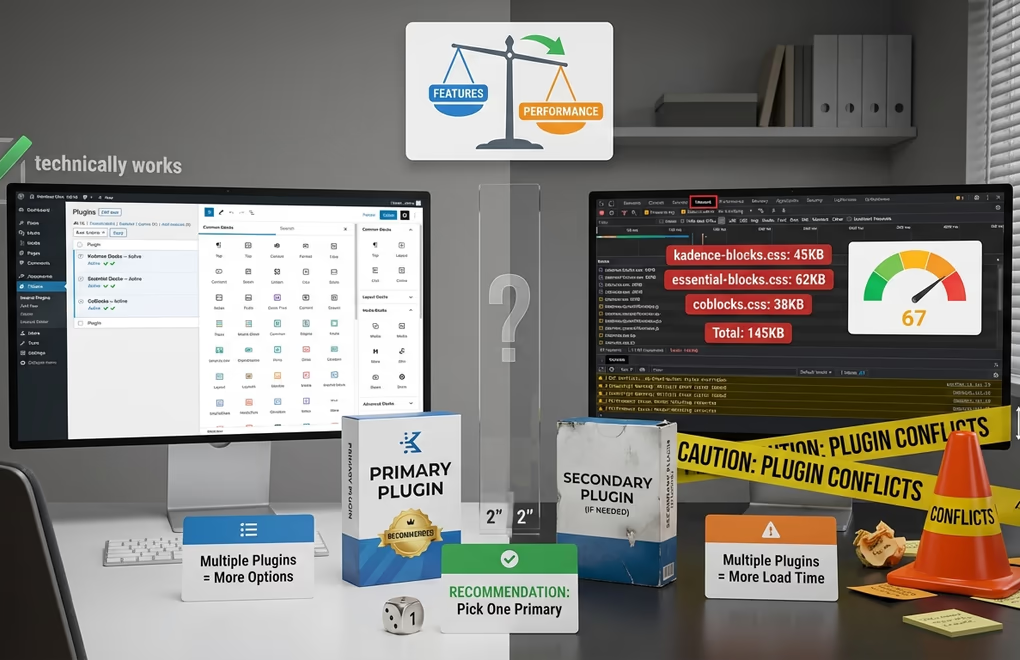
Yes, technically you can run multiple block plugins simultaneously. Each plugin registers its blocks independently, and WordPress handles loading them into the editor. You might use Kadence for its superior row layouts while adding Essential Blocks for specific features Kadence lacks.
However, running multiple block plugins creates problems you should consider. Each plugin adds its own CSS and JavaScript, potentially conflicting with each other and increasing page weight. The block inserter becomes cluttered with similar blocks from different plugins, making the editing experience confusing. Style consistency suffers when blocks from different plugins have different default appearances.
My recommendation is picking one comprehensive block plugin as your primary solution. Use it for most layouts and designs. Only add a second plugin if you have specific functionality needs the primary plugin genuinely cannot meet. And when you do add another plugin, disable any redundant blocks to prevent bloat and confusion. Poor plugin stacking can hurt your Core Web Vitals scores, and minimizing the number of active plugins reduces that risk substantially. The Gutenberg vs page builders debate often centers on plugin conflicts for the same reason.





0 Comments on "Best Gutenberg Blocks Plugins for WordPress in 2026"