
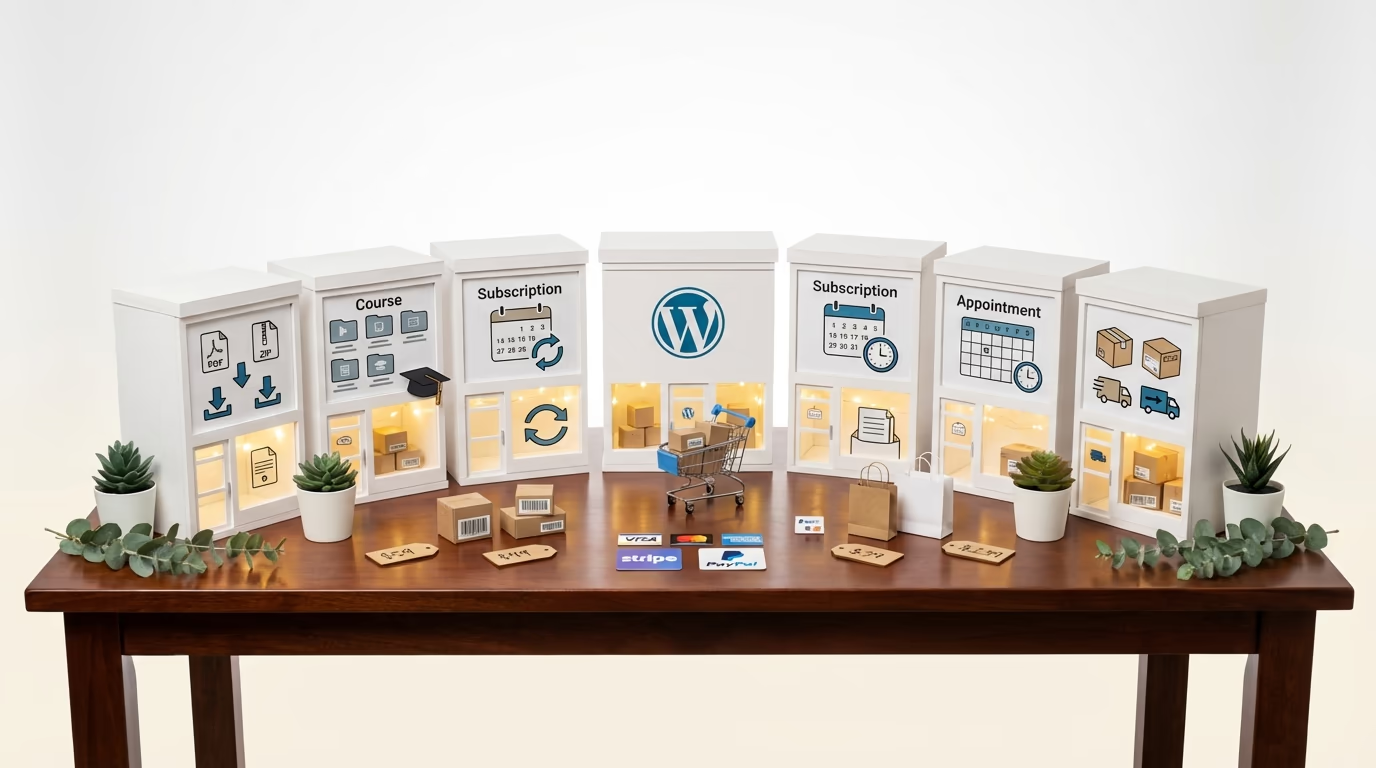
Choosing the best ecommerce plugin for WordPress isn’t simple anymore because WooCommerce used to dominate everything, but that’s no longer the case.
The landscape heading into 2026 looks completely different. Specialized solutions now compete for specific niches: digital products, subscription services, course creation, appointment booking. Each plugin does something well and something poorly. The trick is matching the right tool to your actual business model.
I spent two months testing ten WordPress ecommerce plugins using the same hosting, the same theme, and the same test products across every platform. Marketing pages lie and feature lists exaggerate, so the only way to know what actually works is to install each plugin and push it through real checkout scenarios with Stripe and PayPal.
Some results surprised me because WooCommerce isn’t always the answer, and newer plugins crushed established players in specific use cases. The true cost of running an online store has almost nothing to do with the plugin’s sticker price since extensions, payment gateway fees, and hosting upgrades are the hidden costs that determine your actual spend over three years.
How I Tested These WordPress Ecommerce Plugins
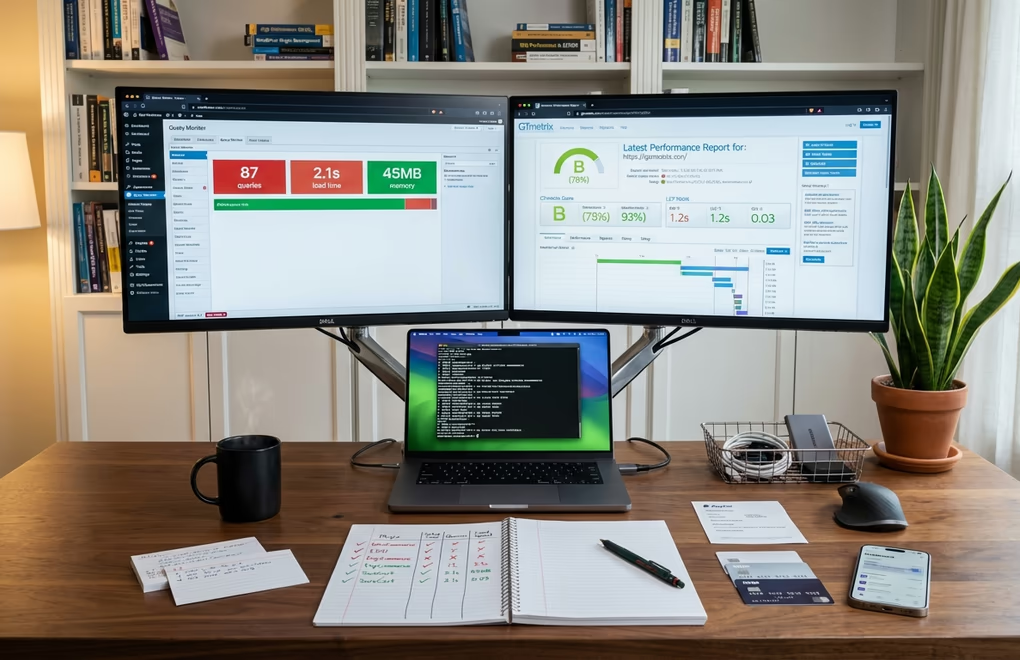
I used a fresh WordPress installation with PHP 8.2 on managed hosting with 2GB RAM, and every plugin started from the same baseline.
I tracked database queries using Query Monitor, measured page load times with Google Page Speed, and ran complete checkout flows through both Stripe and PayPal test environments. The testing criteria focused on five areas: setup speed, performance impact, feature completeness out of the box, extension costs for common features, and checkout conversion optimization.
Three test products went through every platform: a $29 digital download, a $99 subscription, and a $49 physical product with shipping. This approach revealed differences in checkout experiences, email notifications, and customer account functionality that you’d never catch from screenshots alone. All prices verified December 2025.
WooCommerce: The Industry Standard for Physical Products

43% of all online stores run WooCommerce, and that dominance isn’t accidental.
The plugin is free, Automattic maintains it (the same company behind WordPress), and thousands of extensions. If you’re selling physical products that need shipping calculations, inventory management, and tax handling across multiple jurisdictions, WooCommerce remains the most mature option available. The setup wizard walks through payment configuration, shipping zones, and tax settings in about 15 minutes, so you can have a functional store ready before lunch.
But here’s the catch: WooCommerce’s “free” core gets expensive fast. Need subscriptions? That’s $239/year. Advanced shipping rules? Another $119/year. Bookings, memberships, and product bundles each require a separate purchase, so a fully-featured store easily runs $500-1,500 annually in extensions alone, and that doesn’t count the hosting upgrades you’ll need as your database grows.
Performance shows its age since my test store with 50 products generated 141 database queries on the shop page, and adding popular extensions pushes that past 180. You’ll want caching, a CDN, and probably serious speed optimization to keep things snappy.
Best for:
- Physical product businesses with complex shipping.
- Stores needing extensive customization.
- Anyone requiring thousands of third-party integrations.
Skip if:
- You only sell digital products or want something lightweight.
Easy Digital Downloads: The Pioneer for Downloadable Files

EDD carved its niche by doing one thing well: selling downloadable files. Whether you’re a software developer selling plugins, a designer offering templates, or a creator distributing ebooks, EDD strips away all the physical product complexity you don’t need.
There are no shipping options cluttering your settings and no inventory counts, just clean digital delivery. The free version handles basic sales admirably by letting you upload files, set prices, connect Stripe or PayPal, and start selling. Download links come secured with unique tokens and expiration times so files don’t get shared endlessly.
Pro plans start at $99.50/year for a single site. That unlocks software licensing, recurring payments, and frontend submission tools. The All Access Pass runs $499.50/year and includes every extension they’ve ever built. Sounds steep until you calculate what equivalent WooCommerce functionality would cost.
Where does EDD fall short? Modern digital commerce, since there’s no native course builder and no appointment booking, plus the checkout flow feels dated compared to newer alternatives. If you want to sell courses alongside ebooks or offer consulting sessions, you’ll need additional plugins that may not integrate smoothly.
Best for:
- Software developers selling plugins or themes with license key requirements.
- Creators who only sell downloadable files.
Skip if:
- You need courses, bookings, or a unified platform for multiple product types.
DigiCommerce: The Modern All-in-One for Digital Businesses
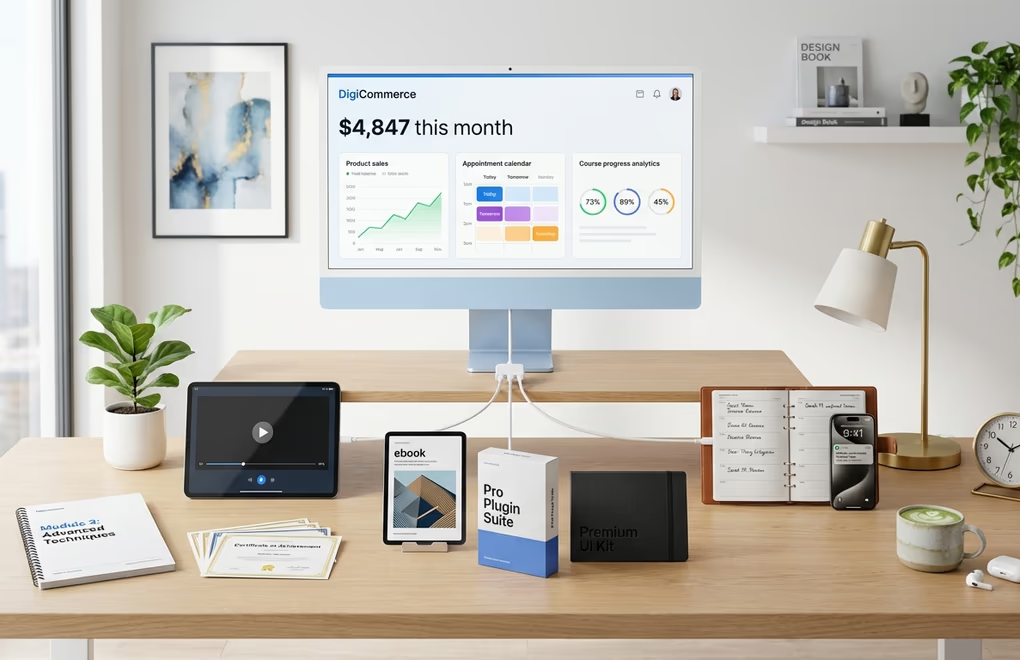
DigiCommerce takes a different approach entirely. Built specifically for the digital economy, it combines product sales, appointment booking, and course creation into one plugin with no cobbling together separate tools and no compatibility headaches. It’s one unified platform designed from the ground up for creators, consultants, and educators.
Set up takes under 15 minutes, with Stripe and PayPal connecting instantly, and the first digital product uploaded and live shortly after. The checkout looked polished without any customization, noticeably faster than WooCommerce’s default experience with fewer form fields and clearer calls to action.
What’s impressive is the feature density at $59/year, with subscriptions included, software licensing included, booking system included, and course builder with quizzes and certificates included. Affiliate program, abandoned cart recovery, and Amazon S3 integration are all included too. Compare that to WooCommerce where subscriptions alone cost $239/year and the value becomes obvious.
The booking addon handles everything from one-hour consultations to multi-day retreats. Clients see available slots based on your schedule, pick their time, and book with payment in a single flow. Automated reminders reduce no-shows. If you’re selling digital products on WordPress alongside consulting services, this integration saves hours of setup and eliminates plugin conflicts.
Course creation uses a clean module-based system where you can add lessons with text, video, or downloadable resources, insert quizzes, award certificates upon completion, and track student progress through an analytics dashboard. It’s not as feature-rich as dedicated LMS plugins like LearnDash, but for most creators it covers everything needed without the complexity.
Performance numbers tell the real story: DigiCommerce generated 25 database queries on the product page compared to WooCommerce’s 98, and pages loaded in 0.09 seconds versus 0.28 seconds. That difference compounds across thousands of visitors and directly impacts your WordPress site performance and conversion rates.
Best for:
- Digital creators selling courses, ebooks, software, or consulting services who want everything in one plugin.
- Course creators, coaches, service providers especially.
Skip if:
- You primarily sell physical products with complex shipping requirements.
SureCart: Headless Commerce for Speed Obsessives

SureCart’s architecture is fundamentally different because instead of storing everything in your WordPress database, the heavy lifting happens on SureCart’s servers. Your site just displays products and handles the frontend, resulting in dramatically better performance since your hosting isn’t managing cart sessions, order processing, or payment handling.
The free plan is genuinely useful and not a crippled demo, letting you sell unlimited products with all features unlocked. However, it charges a 1.9% transaction fee on top of what Stripe or PayPal charge. Subscription capabilities, installment payments, and cart abandonment features are all standard, with a modern interface and Gutenberg blocks that integrate smoothly.
Paid plans remove the transaction fee entirely: $179/year (or $599 lifetime) for one store, $249/year for five stores, and $399/year for unlimited stores. The pricing favors sellers who want predictable costs over percentage-based fees as their revenue grows.
The tradeoff is dependency: when SureCart servers go down, your checkout stops working. You’re also sending customer data to a third party, which some businesses won’t accept, and troubleshooting problems becomes more complex when the issue might be on their end rather than yours.
Best for:
- Speed-focused sites where performance is paramount.
- Sellers comfortable relying on external infrastructure.
Skip if:
- Complete data ownership matters or you need to work offline.
MemberPress: The Membership and Course Specialist

MemberPress dominates WordPress memberships for good reason. Content restriction rules are granular and powerful: protect entire categories, specific posts, custom post types, even individual paragraphs within content. Drip schedules release content over time. Multiple membership tiers with different access levels work smoothly.
The built-in course builder is included on all plans, letting you create unlimited courses and lessons. However, quizzes, assignments, certificates, and content dripping require the Growth plan or higher.
Pricing uses a Launch/Growth/Scale structure: Launch at $199.50/year includes courses but charges a 4.9% transaction fee, Growth at $349.50/year removes transaction fees and adds quizzes, dripping, and coaching tools, and Scale at $499.50/year adds the affiliate program and developer API. It’s not cheap, but MemberPress is mature software with years of development behind it.
The limitation is scope since MemberPress handles memberships and courses well but isn’t a general ecommerce solution. Selling one-time digital downloads outside a membership structure feels awkward, and appointment booking requires external tools. If you have a pure membership model, MemberPress excels, but if you need flexibility across multiple product types, look elsewhere.
Best for:
- Membership sites, online academies, content creators building subscriber-based businesses.
Skip if:
- You’re selling individual products rather than ongoing access.
BigCommerce for WordPress: Enterprise Power

BigCommerce uses the same headless approach as SureCart but at enterprise scale, where your WordPress site handles content and display while BigCommerce infrastructure manages products, orders, and payments. The difference is that BigCommerce has been running high-volume ecommerce since 2009, and their platform handles everything from PCI compliance to multi-channel inventory sync.
The WordPress plugin connects your site to a BigCommerce backend, and products created in BigCommerce appear on your WordPress site through embedded components. Checkout happens on BigCommerce’s secure servers, handling Level 1 PCI compliance for you. If you have significant volume or are selling through multiple channels, this architecture makes sense.
Pricing runs $39/month for Standard (up to $50K annual revenue), $105/month for Plus (up to $180K), and $399/month for Pro (up to $400K). Annual billing drops these to $29, $79, and $299 respectively. If you exceed thresholds, you’re automatically upgraded. The plugin is free since you’re paying for BigCommerce’s platform.
Best for:
- High-volume stores needing enterprise reliability.
- Multi-channel sellers.
- Businesses wanting PCI compliance handled externally.
Skip if:
- Just starting out or annual revenue under $50K.
- Monthly costs don’t justify benefits at smaller scale.
Ecwid: The Multi-Platform Seller’s Choice

Ecwid’s selling point is platform independence, letting you install the same store on your WordPress site, your Facebook page, your Instagram shop, and your Amazon listings. Inventory syncs across all channels from one dashboard, and if you’re juggling multiple platforms, this centralization saves hours of manual updates.
Starter plan at $5/month: 10 products, no transaction fees. Venture at $25/month (annual): 100 products plus digital goods. Business at $45/month (annual): 2,500 products plus abandoned cart recovery and staff accounts. Unlimited at $105/month (annual) removes all product limits and adds POS integration.
WordPress integration is straightforward since the plugin adds store widgets to your pages and Ecwid handles everything else. You don’t manage products in WordPress at all because everything happens in Ecwid’s dashboard, and whether that’s a feature or limitation depends on how you prefer to work.
Best for:
- Sellers needing unified inventory across WordPress, social media, and marketplaces.
Skip if:
- WordPress is your only sales channel or you want deep WordPress integration.
WP EasyCart: Budget-Friendly Alternative

WP EasyCart positions itself as the no-nonsense WooCommerce alternative, and the free version includes more out of the box than WooCommerce’s free core: basic shipping options and customer accounts that work without extensions. However, the free version charges a 2% transaction fee on top of payment processor fees. If it’s your first store, this reduces the initial learning curve significantly.
Premium plans run $69/year for Professional (removes the 2% fee, adds subscriptions, advanced shipping, abandoned cart recovery, coupons) or $89/year for Premium (includes mobile apps, QuickBooks integration, ShipStation, MailChimp, and Facebook/Instagram shop). The 14-day trial lets you test paid features before committing any money.
The interface feels dated compared to modern alternatives, and template options are limited, so you won’t find the same design flexibility as WooCommerce or performance optimization of newer solutions. But if your priority is getting a functional store running quickly without researching extensions, EasyCart delivers.
WP Simple Pay: Stripe Payments Without the Cart

WP Simple Pay isn’t technically an ecommerce plugin since it’s a Stripe payment form builder, but for certain use cases it’s exactly what you need. If you’re selling a single product, collecting donations, or processing one-time payments for services, Simple Pay gets payments working in minutes without shopping cart complexity.
Free version now handles both one-time and recurring payments (though redirects to Stripe’s checkout page). Personal at $49.50/year adds on-site payment forms and pay-what-you-want pricing. Plus at $99.50/year adds payment plans, coupons, and custom fields. Professional at $199.50/year includes buy-now-pay-later options (Klarna, Afterpay), automatic tax calculation, and dedicated landing pages. Integrates with Stripe’s full feature set including Apple Pay, Google Pay, and ACH transfers.
The limitation is obvious: no product catalog, no shopping cart, and no inventory management since Simple Pay is for simple payments. If you’re selling multiple products or need any traditional ecommerce features, this isn’t your solution.
Best for:
- Service providers collecting payments.
- Non-profits accepting donations.
- Single-product sellers.
Skip if:
- You need any actual ecommerce functionality.
CartFlows: Funnel Builder for WooCommerce
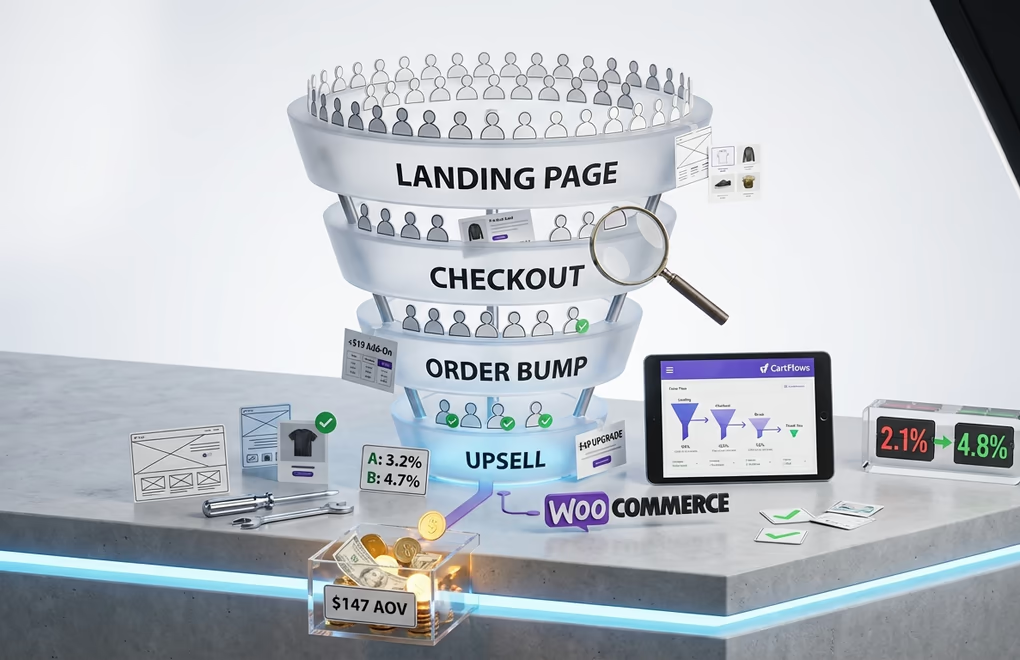
CartFlows sits on top of WooCommerce to transform standard checkouts into conversion-optimized sales funnels. It’s not a standalone ecommerce plugin, but it dramatically changes how WooCommerce stores can sell through custom checkout pages, order bumps, one-click upsells, and A/B testing, all without custom development.
The free version provides custom checkout page templates and basic funnel building. Plus at $189/year adds order bumps, one-click upsells/downsells, and modern checkout styles. Pro at $299/year includes A/B split testing and funnel analytics. For cart abandonment recovery, you’ll need the Woo Toolkit bundle at $449/year. If you’re serious about maximizing average order value, these features pay for themselves quickly.
It works with popular page builders like Elementor, Divi, and Gutenberg, so you can design checkout pages with your preferred builder while CartFlows handles the commerce logic. There’s a steeper learning curve than basic plugins, but conversion improvements justify the investment for high-volume stores.
Best for:
- WooCommerce stores focused on conversion rate optimization and average order value increases.
Skip if:
- Not using WooCommerce or don’t need advanced funnel features.
Choosing the Right Plugin for Your Business
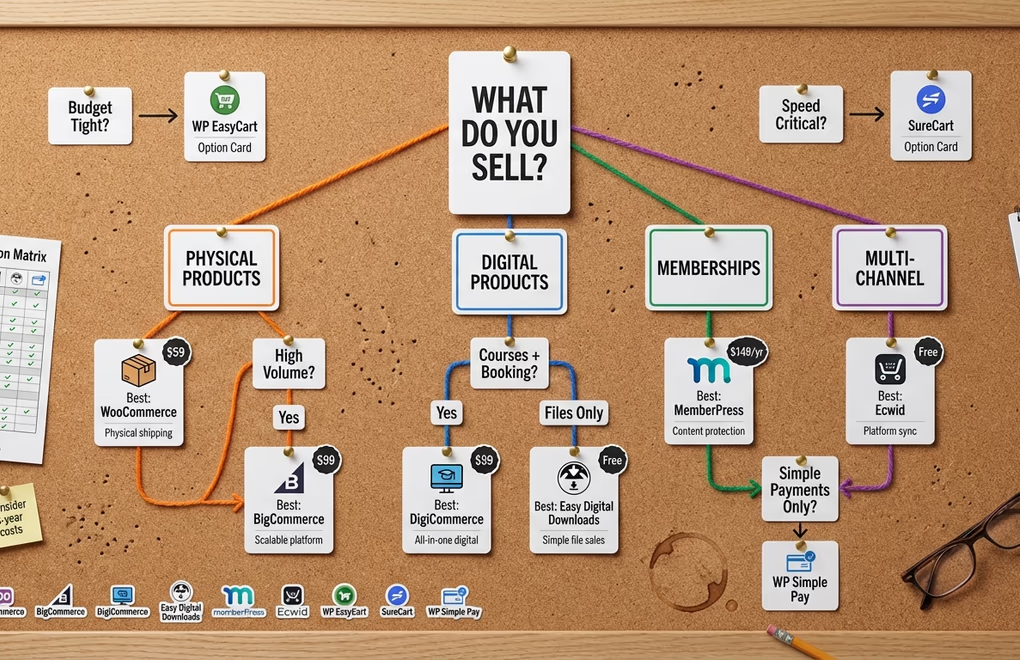
After testing all ten plugins, clear patterns emerged. The right choice depends entirely on what you’re selling and how you want to sell it.
Physical products with shipping: WooCommerce remains the standard because its ecosystem handles complex shipping scenarios, tax calculations, and inventory management better than anything else. Extensions cost money and performance requires optimization, but for physical goods the flexibility is unmatched.
Digital products only: If you’re selling downloadable files without courses or services, Easy Digital Downloads delivers a focused experience. For broader digital commerce including courses, bookings, and subscriptions, DigiCommerce provides more value at lower cost.
Courses and coaching: DigiCommerce offers the best combination of course builder, booking system, and payment processing at $59/year. MemberPress works well for pure membership models but costs more and lacks booking features.
Enterprise and high volume: BigCommerce handles scale that would crush self-hosted solutions. Cost makes sense once you’re processing significant revenue.
Multi-channel sellers: Ecwid’s strength is inventory sync across platforms, and if you’re managing WordPress, Facebook, Instagram, and Amazon from one dashboard, nothing else integrates as smoothly.
Making Your Final Decision
The best ecommerce plugin for WordPress in 2026 isn’t a single answer. It’s the plugin matching your specific product type, budget, and technical comfort level.
Start by listing what you’re actually selling. Physical products point toward WooCommerce. Digital products, courses, and services point toward DigiCommerce or Easy Digital Downloads. Memberships point toward MemberPress. High-volume operations point toward BigCommerce. Simple payments point toward WP Simple Pay.
Then calculate true costs over three years, not just plugin price but also extensions you’ll need, hosting upgrades, and payment processing fees. A $59/year plugin including everything beats a free plugin requiring $500 in annual extensions since the cheapest option upfront often costs more over time.
What’s your experience with WordPress ecommerce? Whether you’ve tested any of these plugins or are just starting your research, drop your questions in the comments.





0 Comments on "10 Best Ecommerce Plugins for WordPress in 2026 (Expert Tested)"