

UX. UI. These acronyms are everywhere. Job postings demand them. Agency websites promise them. WordPress theme descriptions throw them around like confetti. But here’s the uncomfortable truth: most site owners can’t actually explain what these terms mean or why they should care about them when building their WordPress sites.
That confusion makes sense. Professional UX UI design used to require Sketch licenses at $99/year, Figma team plans at $15/user/month, or Adobe Creative Cloud subscriptions running $60/month. Add specialized training on top of that. Small business owners running WordPress sites? They were essentially locked out, forced to pick a ThemeForest template and cross their fingers.
That reality is shifting dramatically. Artificial intelligence is fundamentally changing how design works, and WordPress site owners stand to benefit enormously. Tools that once required professional designers are becoming accessible to anyone willing to learn the underlying principles. According to a 2024 market analysis, the UX design tools industry will grow from $4.68 billion in 2024 to $54.93 billion by 2032, driven primarily by AI integration. That’s quite a lot of money 🙄
This guide explains what UX and UI design actually mean, how AI is democratizing access to professional design capabilities, and what WordPress users can do today to build better websites. You won’t need a design degree or a $10,000 budget. You will need to understand what good design looks like so you can direct these new AI tools effectively.
Understanding UX Design: The Experience Behind Your Website
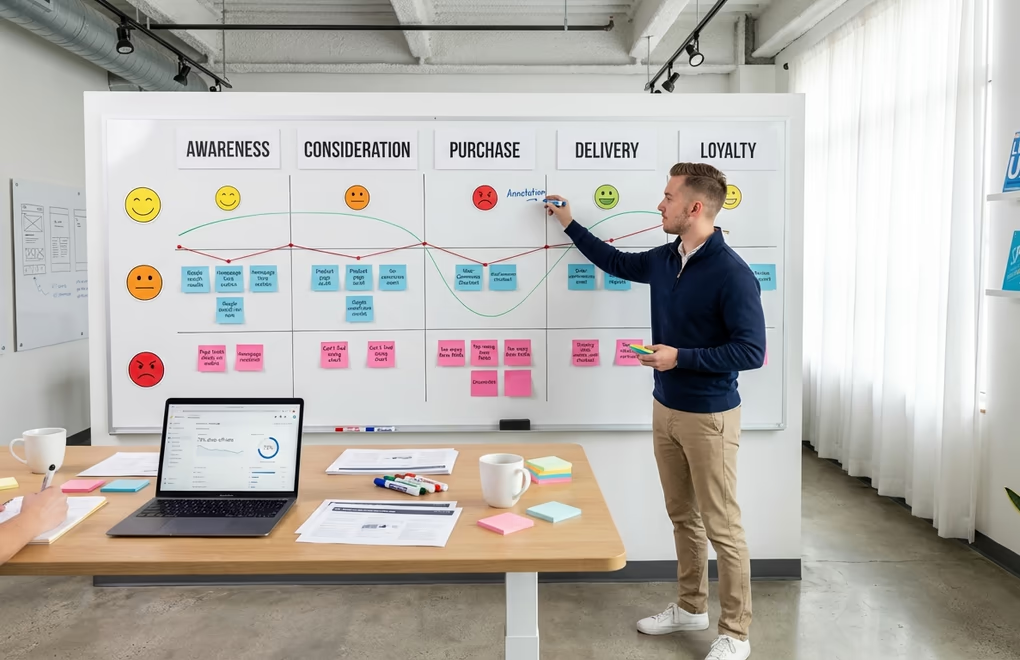
User Experience design focuses on one thing: how people interact with your website. Not just whether they can click buttons or find the menu. It’s about how the entire journey makes them feel, from that first homepage impression through to completing a purchase on WooCommerce, subscribing via Mailchimp, or booking a call through Calendly.
Good UX on a WordPress site? Visitors feel confident. They find what they need. They convert. Poor UX? Frustration. Confusion. And those dreaded abandoned carts that haunt your analytics.
UX designers typically focus on four key questions when building websites. Who are the target users? What are their needs, technical abilities, and expectations? Why would someone visit this site? What problem are they trying to solve? What functionality does the site need to provide? And how can users accomplish their goals with minimum friction?
Consider an e-commerce WordPress site selling digital products through DigiCommerce. Good UX? Three clicks to checkout, not seven. Product descriptions that answer questions before customers ask. Page loads under two seconds via Cloudflare CDN or WP Rocket caching. Google’s research is brutal here: 53% of mobile visitors abandon sites that take longer than three seconds to load. That’s not a minor inconvenience. That’s revenue walking out the door.
The core principles of UX design include user-centered thinking (every decision based on actual user needs), usability (products should be intuitive and easy to navigate), accessibility (experiences must work for people with disabilities), and consistency (maintaining uniform design patterns across the entire site). These principles apply whether you’re building a simple blog or a complex membership platform.
Understanding UI Design: The Visual Layer Users See
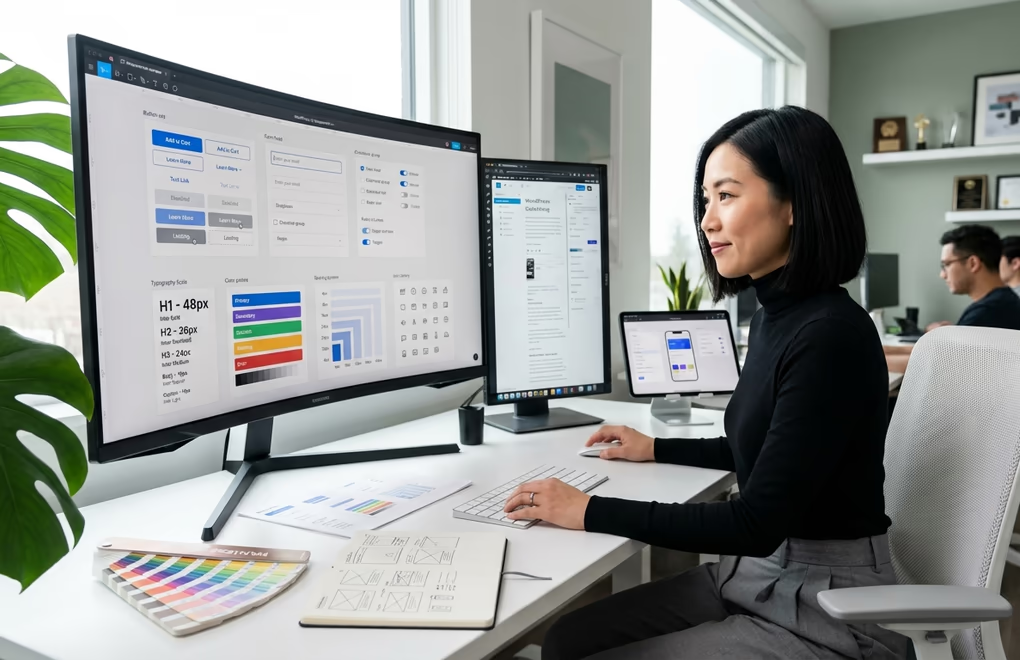
User Interface design handles the visual stuff. Buttons. Menus. Icons. Typography choices between Inter and System fonts. Color schemes built from your brand palette. Spacing that gives content room to breathe. Every visual component on your WordPress site falls under UI. Think of it this way: UX is the overall journey through your site, while UI is each specific touchpoint along the way.
A practical way to understand the difference: UX design might determine that users need a prominent call-to-action button on the homepage. UI design determines that the button should be blue, 48 pixels tall, use the Poppins font at 16px, have rounded corners with 8px radius, and include a hover state that darkens the color by 15%. Both disciplines work together, but they solve different problems.
The key principles of effective UI design start with simplicity. Clean, uncluttered interfaces help users focus on what matters. Consistency matters equally; using the same button styles, colors, and spacing throughout your site creates a predictable experience that reduces cognitive load. Clear language helps too. Button text should say “Download Free Guide” rather than “Submit” because specific language tells users exactly what will happen.
For WordPress users, UI design often comes down to theme and block choices. A theme like DigiFlash provides the foundational UI elements: typography scales, color systems, spacing presets, and button styles. Block libraries like DigiBlocks offer 60+ components with granular styling controls for typography, colors, borders, and responsive behavior. Together, these tools give WordPress users professional UI capabilities without custom development.
Visual hierarchy represents another crucial UI concept. Not every element on a page deserves equal attention. Headlines should be larger than body text. Primary buttons should stand out more than secondary ones. White space around important elements draws the eye naturally. These principles guide users through content in a logical sequence, improving both comprehension and conversion rates.
How AI is Democratizing UX UI Design in 2026
Traditional UX/UI design workflows were painful. Designers worked in Figma, Sketch, or Adobe XD creating wireframes first. Then high-fidelity mockups. Then interactive prototypes in InVision or Principle. Each stage demanded technical skills that took years to develop. Handoff to developers using Zeplin or Figma Dev Mode? More complexity. More cost. More opportunities for designs to get lost in translation.
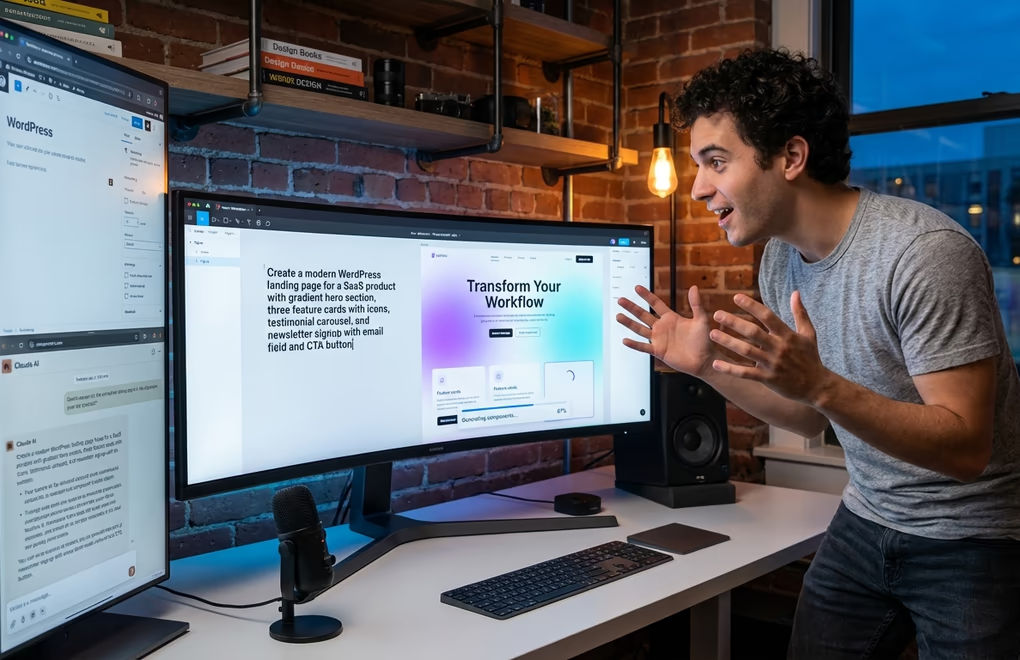
AI is compressing this entire pipeline. At Figma’s Config 2025 conference, the company unveiled four new AI-powered tools that fundamentally change how design works. Figma Make turns text prompts into working prototypes, powered by Claude. Describe what you want, and the system generates complete screen layouts with proper component usage. Figma Sites converts those designs directly into live websites with built-in CMS functionality. The barrier between “designing a website” and “having a website” is essentially disappearing.
Uizard represents another approach to AI-powered design. The platform can generate mobile apps, web products, and complete user experiences from English text prompts. Their claim of going from zero to clickable prototype in 30 seconds sounds like marketing hyperbole, but independent testing suggests it’s accurate for basic layouts. The AI understands common design patterns and applies them contextually.
For WordPress users specifically, the AI revolution is happening on multiple fronts. Block plugins now incorporate AI features directly into the editor. DigiBlocks includes an AI Image block that generates custom visuals from text descriptions without leaving WordPress. Instead of hunting through stock photo libraries or hiring illustrators, you describe what you need and the AI creates it. Generated images save directly to your media library for reuse across the site.
A/B testing on WordPress is getting smarter too. The old way? Manually creating variations in Nelio A/B Testing or Google Optimize, then waiting three weeks for statistical significance. Current AI-powered alternatives like VWO and Optimizely generate test variations automatically. They identify winning combinations in days, not weeks. Some tools even predict winners before tests reach full significance, letting you move faster without sacrificing data quality.
Practical AI Tools for WordPress UX UI Design
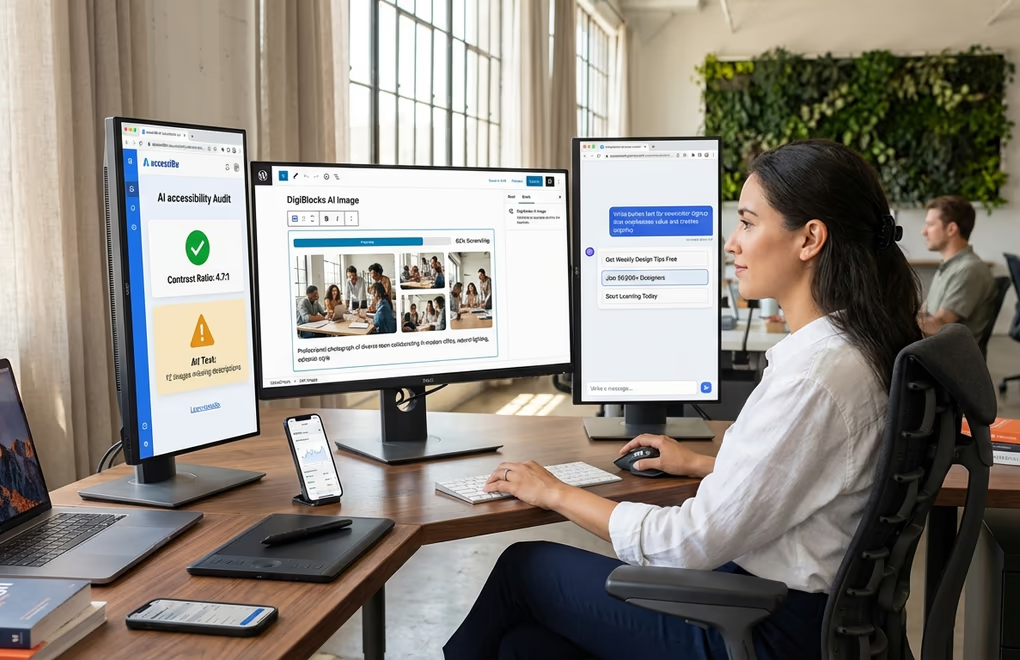
Implementing AI-assisted design on WordPress requires understanding which tools solve which problems. The field is evolving rapidly, but several categories of tools have emerged as particularly useful for site owners without formal design training.
AI Image Generation solves one of the most persistent challenges for WordPress users: finding unique, relevant visuals. Stock photos are expensive and generic. Custom photography requires professional help. AI image generators like DALL-E 3, Midjourney, and Stable Diffusion create custom visuals from text descriptions. For WordPress integration, plugins like the DigiBlocks AI Image block bring this capability directly into the editor. Describe a hero image for your consulting business, specify the style and mood, and generate options until you find one that works.
AI Layout and Design Assistants help with structural decisions. UX Pilot AI is particularly interesting for WordPress users because it generates multi-screen flows from prompts, including navigation and linking. Describe your site’s purpose and target audience, and the system suggests page structures, content hierarchy, and user flow patterns. This doesn’t replace thoughtful planning, but it provides a starting point that follows established UX conventions.
AI Accessibility Auditors tackle something most WordPress sites ignore until it’s too late. The European Accessibility Act is now enforced. WCAG 2.1 compliance isn’t optional anymore. Tools like accessiBe, UserWay, and AudioEye scan your entire WordPress installation and flag problems: color contrast ratios below 4.5:1, images missing alt text, navigation that breaks without a mouse, content invisible to JAWS or NVDA screen readers. Some generate fixes automatically. Others hand you a detailed remediation checklist.
AI Copy and Content Tools improve the textual elements of your UI. Button labels, form field placeholders, error messages, navigation items, and microcopy all affect user experience significantly. Plugins with AI integration can suggest improvements based on conversion optimization principles. The MagiCopy plugin for Figma focuses specifically on UX copy, suggesting human-like alternatives for placeholder text based on style rules you define.
Figma-to-WordPress Converters bridge professional design tools with WordPress implementation. If you work with a designer who delivers Figma files, AI tools like Locofy can export production-ready code that integrates with WordPress template structures. TeleportHQ converts design files into responsive frontend code suitable for landing pages and marketing sites. These tools are particularly valuable for teams where design and development roles are separate.
The UX Design Process: Applying AI at Each Stage
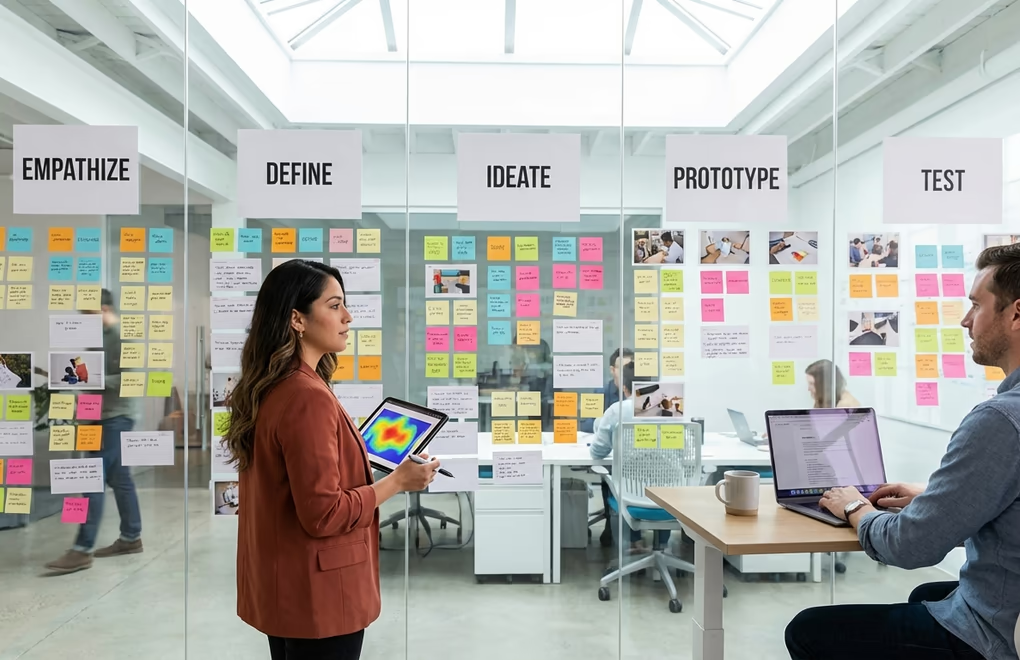
Understanding where AI helps (and where it doesn’t) requires mapping its capabilities to the traditional UX design process. This iterative framework, often called design thinking, includes five key stages: empathize, define, ideate, prototype, and test. Each stage benefits from AI in different ways.
Empathize (Understanding Users): AI can analyze user behavior data, survey responses, and support tickets to identify patterns humans might miss. Tools like Hotjar combine traditional session recording with AI-powered analysis that highlights usability issues automatically. For WordPress sites with performance concerns, AI can correlate speed metrics with user behavior to quantify how load times affect engagement.
Define (Problem Framing): This stage requires human judgment that AI can’t replace. You need to decide what problems matter most, which user needs to prioritize, and what success looks like for your specific business. AI can help organize research findings and suggest frameworks, but the strategic decisions remain yours. Don’t delegate this stage to algorithms.
Ideate (Generating Solutions): AI excels at generating options quickly. Give a tool like Claude or ChatGPT a well-defined problem statement, and it can suggest dozens of potential solutions with pros and cons for each. For UI specifically, AI can propose layout variations, color schemes, and component arrangements based on successful patterns from millions of existing websites. The key is treating these as starting points for refinement, not final solutions.
Prototype (Building Testable Versions): This is where AI provides the most dramatic acceleration. Traditional prototyping required designer skills and significant time investment. AI tools can generate functional prototypes from text descriptions in minutes. For WordPress specifically, block editors with extensive component libraries let you build testable layouts without touching code. The choice between Gutenberg and page builders now includes AI capabilities as a factor.
Test (Validating with Users): AI helps analyze test results but can’t replace actual user feedback. Session recording tools with AI can automatically identify where users struggle. Heatmap analysis can highlight unexpected interaction patterns. Survey analysis tools can process open-ended responses and extract themes. The testing itself still requires real humans experiencing your WordPress site and sharing their genuine reactions.
What AI Cannot Do: The Human Elements of UX UI Design
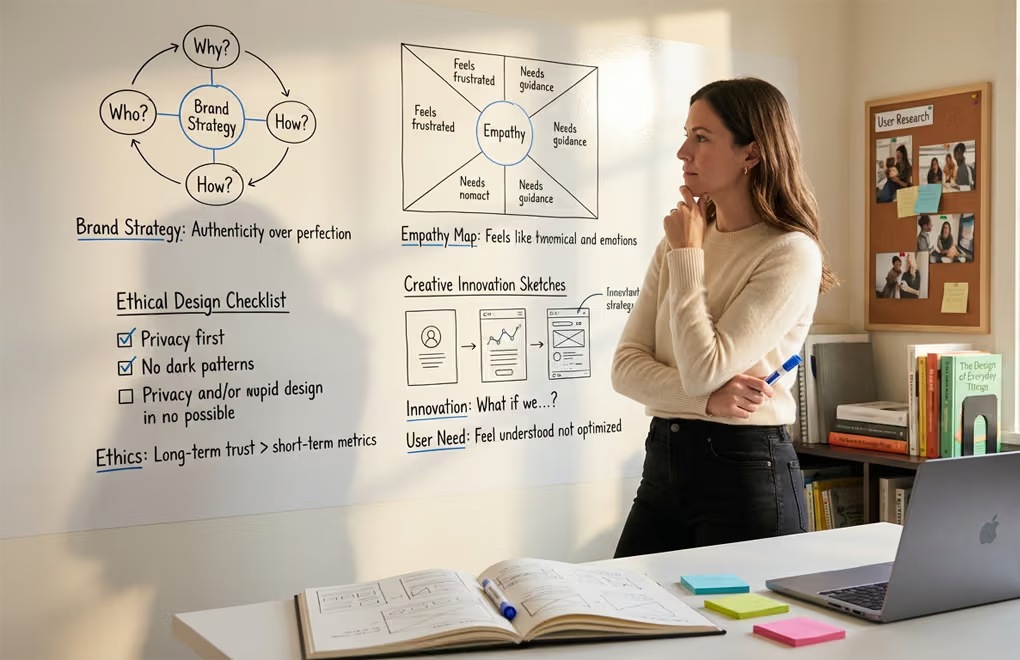
The excitement around AI design tools sometimes obscures their limitations. Understanding what AI can’t do helps you allocate effort appropriately and avoid expensive mistakes that result from over-reliance on automation.
Brand strategy remains fundamentally human. AI can generate logos, suggest color palettes, and create visual assets, but it can’t understand what your brand should communicate or why. The strategic decisions about brand positioning, voice, values, and differentiation require human insight into your market, competition, and business goals. An AI-generated brand identity might look professional but feel generic because it lacks the intentionality that comes from genuine strategic thinking.
True user empathy requires human connection. AI can process user feedback and identify patterns, but it doesn’t actually understand what it’s like to be frustrated by a confusing checkout process or delighted by a thoughtful interface detail. The emotional intelligence that drives great UX design comes from designers who genuinely care about the people using their products. This empathy shapes countless small decisions that AI wouldn’t think to make.
Ethical design decisions need human judgment. Consumers increasingly expect websites to respect their privacy, avoid manipulative patterns, and consider environmental impact. The security of your WordPress site affects user trust directly. AI tools optimize for metrics you specify, but they can’t determine which metrics actually matter or when optimization becomes exploitation. Dark patterns that boost short-term conversions often damage long-term relationships; AI won’t flag this tradeoff automatically.
Innovation requires creative leaps AI can’t make. AI generates designs based on patterns in existing data. This means AI-generated designs tend toward the average of what already exists rather than genuinely novel approaches. Breakthrough UX innovations like the iPhone’s touch interface or Notion’s flexible block system came from human creativity that imagined possibilities beyond existing patterns. AI can help refine and implement innovative ideas, but generating them remains a human capability.
Context-specific optimization needs domain expertise. An AI might suggest a layout that works well for ecommerce generally but fails for your specific product category or customer demographic. Healthcare websites have different UX requirements than entertainment sites. B2B platforms serving enterprise buyers need different approaches than consumer apps targeting teenagers. This contextual knowledge comes from experience in specific industries that AI tools typically lack.
Implementing Better UX UI Design on Your WordPress Site
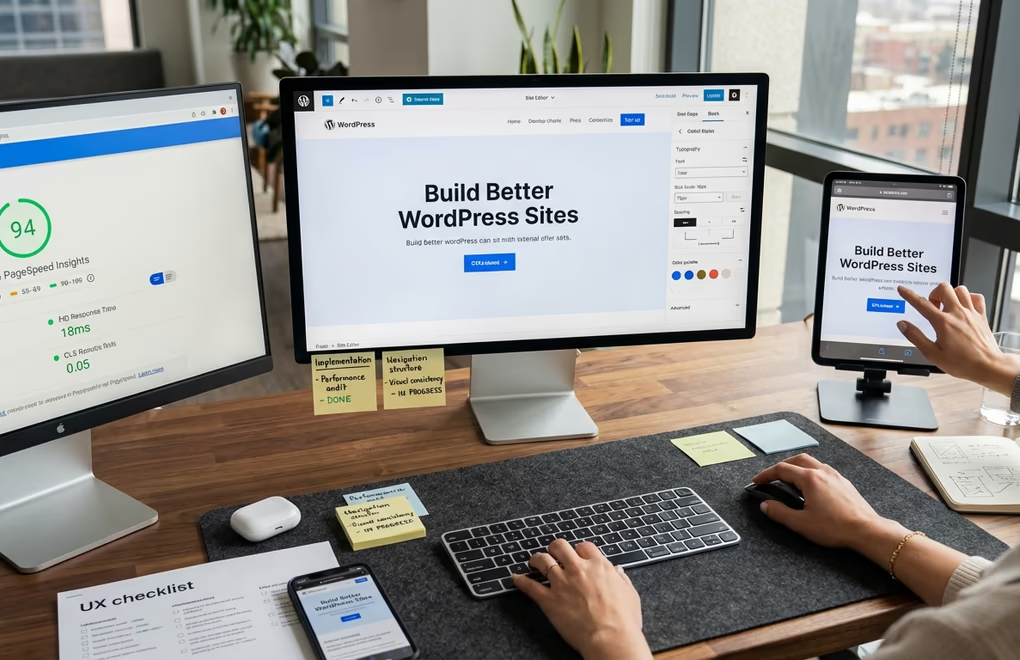
Moving from theory to practice requires concrete steps you can implement today. The following approach combines AI-assisted tools with fundamental UX principles to improve your WordPress site systematically.
Start with performance. No visual polish compensates for slow loading. None. Before touching design elements, run your site through Google PageSpeed Insights, GTmetrix, and WebPageTest. Target: under three seconds on 4G mobile connections. Common WordPress bottlenecks? Unoptimized images that ShortPixel or Imagify could compress. Twenty plugins when you need eight. Shared hosting that buckles under traffic spikes. A performance-focused theme like DigiFlash loads only necessary CSS and JavaScript, giving you a foundation that won’t fight your optimization efforts.
Audit your navigation structure. Three-click rule: can users reach any important page in three clicks or fewer? Check your menu. Is it organized by what visitors want, or by your internal org chart? Run Screaming Frog or Sitebulb to map your site structure. They’ll find orphan pages nobody can reach, redirect chains slowing things down, and navigation hierarchies that confuse rather than guide. Claude or ChatGPT can suggest reorganizations based on common user flow patterns if you share your sitemap.
Establish visual consistency. Pick a single font family for body text and one for headings. Define a primary color and two accent colors. Set standard spacing values (such as 16px, 24px, 32px, 48px) and use them consistently. Document these choices somewhere you can reference them.
Improve your calls to action. Every page should have a clear next step for visitors. Replace vague button text like “Learn More” or “Submit” with specific actions: “Download the Free Guide,” “Start Your Free Trial,” “Get a Quote in 24 Hours.” Make primary actions visually prominent through size, color, and placement. Secondary actions should be clearly less emphasized. AI copy tools can suggest button text optimized for conversion.
Address mobile experience specifically. Over 60% of web traffic is mobile now. Not desktop preview modes in Chrome DevTools. Actual phones. Test on an iPhone SE (small screen), a mid-range Android, and whatever your analytics says is most popular. Tap targets need to hit 44×44 pixels minimum. Text readable at default size, no pinch-zooming required. Forms with correct input types: email keyboards for email fields, numeric keypads for phone numbers, date pickers for dates. DigiBlocks handles responsive layouts automatically, but you still need to verify on real devices.
Implement accessibility basics. Add alt text to all images describing their content or function. Ensure sufficient color contrast (4.5:1 minimum for normal text). Make sure all functionality works with keyboard navigation. Use proper heading hierarchy (H1, H2, H3 in order). These changes improve experience for users with disabilities while also benefiting SEO and overall usability.
The Future of UX UI Design: Trends for 2026 and Beyond

Several trends are reshaping how UX and UI design will work in the coming years. Understanding these directions helps WordPress site owners prepare for changes and opportunities ahead.
Adaptive interfaces based on user behavior represent a significant shift from static designs. AI doesn’t just recommend content anymore; it adapts entire interface layouts based on individual user patterns, preferences, and needs. Real-time personalization is becoming standard in 2026, with interfaces that adjust navigation prominence, content ordering, and visual emphasis based on what each user finds most relevant.
Voice and gesture-based interactions are expanding beyond smart speakers into web interfaces. Voice search optimization affects WordPress sites directly, requiring content structured for conversational queries. As generative AI becomes more integrated into content strategy, voice interfaces create new UX considerations around audio feedback, conversation design, and multimodal experiences that combine voice with visual elements.
Ethical design and sustainability are moving from nice-to-have to essential. Today’s consumers are increasingly conscious about privacy, data usage, and environmental impact. The European Accessibility Act enforcement in 2025 makes accessibility a legal requirement in many markets. Sustainable web design, which considers the carbon footprint of digital products, is gaining attention as organizations track environmental impact across all operations.
The designer role is evolving toward strategy. As AI handles more execution tasks, human designers are focusing increasingly on research, critical thinking, and strategic problem-solving. The World Economic Forum identifies UI and UX design as the eighth fastest-growing job category, but the work itself looks different than it did five years ago. For WordPress site owners, this means the value of professional designers shifts toward strategic direction rather than pixel-perfect implementation.
Micro-interactions and haptic feedback are adding subtle layers of engagement to web interfaces. Small animations that respond to user actions, progress indicators that provide feedback during loading, and even vibration patterns on mobile devices contribute to the overall experience quality. These details might seem minor, but they significantly affect how professional and polished a website feels to visitors.
Taking Your WordPress Design to the Next Level
UX and UI design used to be specialized disciplines. Years of training. Expensive software. Adobe subscriptions. Figma expertise. WordPress site owners without dedicated design teams were essentially locked out of professional-grade design practices. That’s changing fast. AI tools are putting capabilities once reserved for well-funded agencies into the hands of solo site owners. And these tools keep getting better, cheaper, and more deeply integrated into the WordPress ecosystem we already use.
What aspect of your WordPress site needs the most UX or UI work? Maybe it’s navigation that confuses visitors. Maybe it’s visual inconsistency across pages you’ve built over the years. Maybe it’s a mobile experience that technically works but feels clunky. Or maybe it’s conversion optimization you’ve been putting off because A/B testing seemed too complex. The combination of solid design principles and AI-powered tools makes all of these fixable now. Not someday, now. The technology is ready, what will you build with it?




0 Comments on "What is UX UI Design? How AI is Transforming Design for WordPress in 2026"