

Google Consent Mode v2 is a set of signals that tells Google’s tags whether a visitor agreed to cookies, so Google Ads and Google Analytics adjust what they collect for that person. When someone declines tracking, the tags still load but hold back the data they would normally send. When someone agrees, everything runs as usual. Since March 2024 this has been required for any website that runs Google Ads or Google Analytics and gets visitors from the European Economic Area or the United Kingdom.
For WordPress site owners the theory matters less than the practical part, which is how to switch it on without breaking anything. Most guides throw you straight into Google Tag Manager and code snippets, and you rarely need to touch any of that. The practical path on WordPress is a cookie consent plugin that already speaks Consent Mode v2 and passes the four signals to Google for you.
This article walks through what Consent Mode v2 actually does, how to tell whether it applies to your site, the difference between the basic and advanced setups, how to turn it on inside WordPress, and how to confirm it works before you assume you’re covered. Every claim here was checked against Google’s own documentation and the enforcement rules in force in 2026.
Consent Mode sits between your cookie banner and Google. Your banner collects the visitor’s choice, and Consent Mode carries that choice to Google in a format its tags understand. Get that handoff wrong and two things happen. Google can restrict your remarketing and conversion tracking across Europe, and your analytics can quietly stop recording European visitors with no warning email at all. That second problem is what caught a lot of site owners off guard through 2025.
What is Google Consent Mode v2?
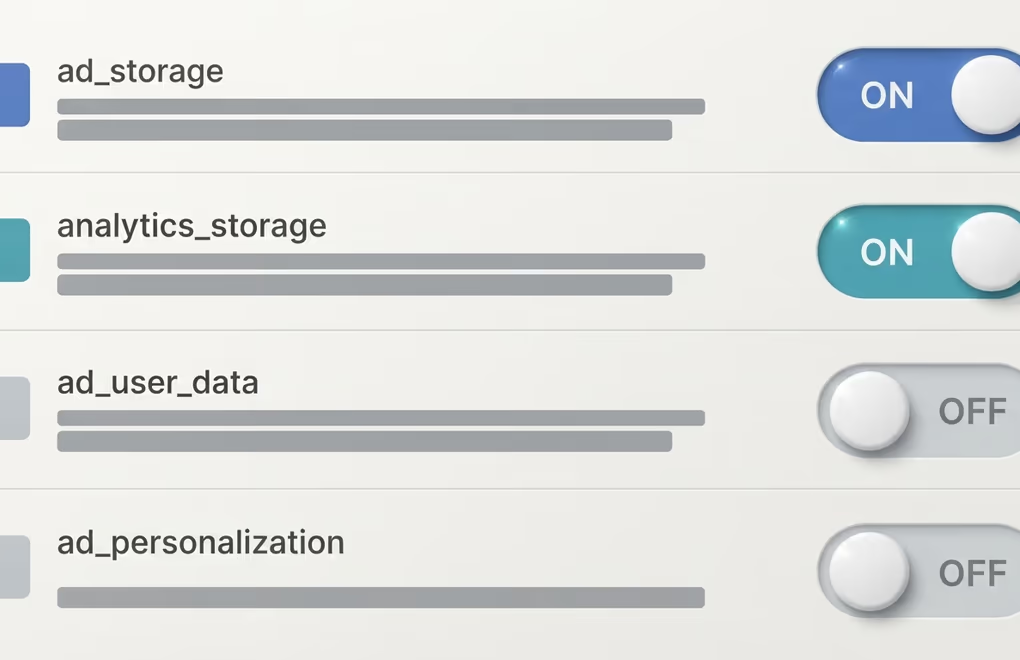
Google Consent Mode v2 is the second version of Google’s consent signaling system, and it works by sending four plain yes-or-no signals to Google every time a tag fires. Each signal tells Google what the visitor agreed to, and the tag adjusts what it collects to match. Version one carried only two of these signals. Version two, the one you need now, added two more so they reach advertising data as well as cookies.
The four signals each control a different part of what Google is allowed to do.
- ad_storage controls whether Google can store advertising cookies on the visitor’s device.
- analytics_storage controls whether Google Analytics can store its measurement cookies.
- ad_user_data sets whether the visitor’s data can be sent to Google for advertising at all.
- ad_personalization sets whether that data can feed personalized ads and remarketing.
The two newer signals, ad_user_data and ad_personalization, are the whole reason version two exists. Google added them to line up with the European Union’s Digital Markets Act, which came into force in March 2024. Before that change, telling Google “no analytics cookies” didn’t clearly cover whether you were still allowed to send that person’s data for ad targeting. Now it does, and Google won’t run its European ad and measurement features unless it receives these signals in the shape it expects.
Every signal starts in a default state before the visitor chooses anything, then flips to granted or denied the moment they click your banner. On a well built WordPress site you never edit these values by hand. Your consent plugin sets the defaults, waits for the banner click, and updates the signals in the background so the tags react on their own.
Do you need Consent Mode v2 on your WordPress site?
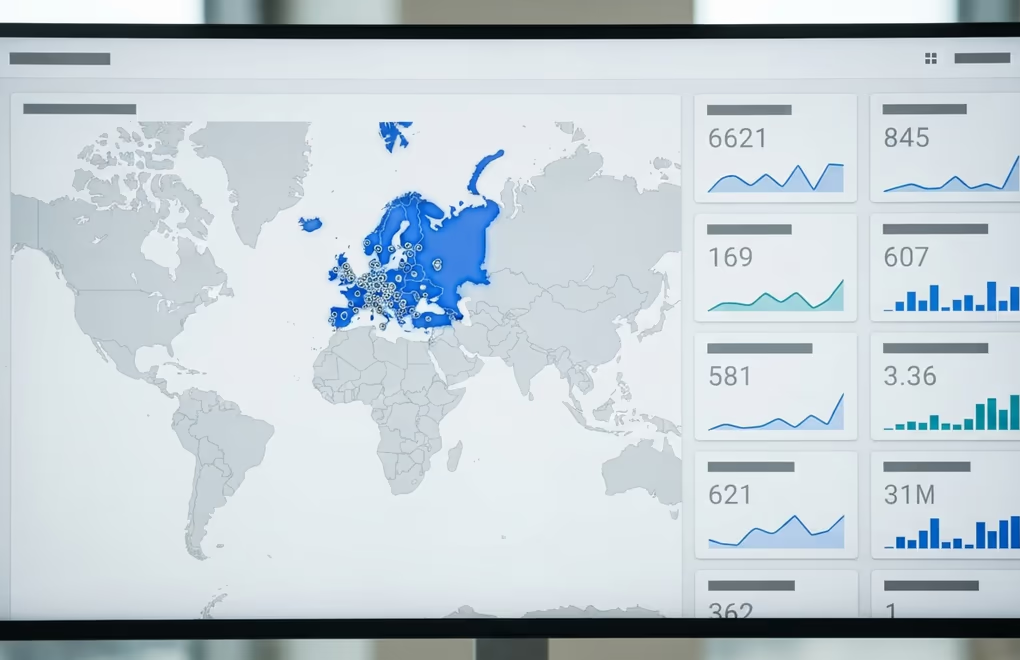
You need Google Consent Mode v2 if your WordPress site runs Google Ads or Google Analytics and gets visitors from the European Economic Area or the United Kingdom. When both of those are true, it has been required since March 2024, and 2026 is the year Google moved to full enforcement with policy warnings and serving limits for accounts that don’t send the signals.
The test is simpler than most guides make it sound. Ask two questions about your own site. Do you use any Google tag, which means Google Ads, Google Analytics 4, or a Google conversion pixel. And can people in Europe or the UK reach your site, which for almost every public WordPress site means yes, because you can’t easily wall off a whole region. If the answer to both is yes, Consent Mode v2 applies to you.
Skipping it has real costs once your traffic includes those regions. Google can hold back remarketing audiences and conversion tracking, so your ad campaigns lose the data they rely on to optimize. Google Analytics 4 can stop recording new European visitors, which means the numbers you plan around slowly drift away from reality. Through 2025 this landed with no warning email and no grace period, so plenty of owners only noticed when their European traffic in reports fell close to zero.
There is an honest exception worth stating. If your site uses no Google Ads and no Google Analytics, and you genuinely draw no European or UK visitors, Consent Mode v2 is not something you have to wire up. You still need a proper cookie banner and a clear privacy setup to meet WordPress GDPR compliance rules, because that duty comes from the law itself, not from Google. Consent Mode is only the layer that keeps Google in step with the choice your banner already collects.
Basic or advanced consent mode, which should you pick?
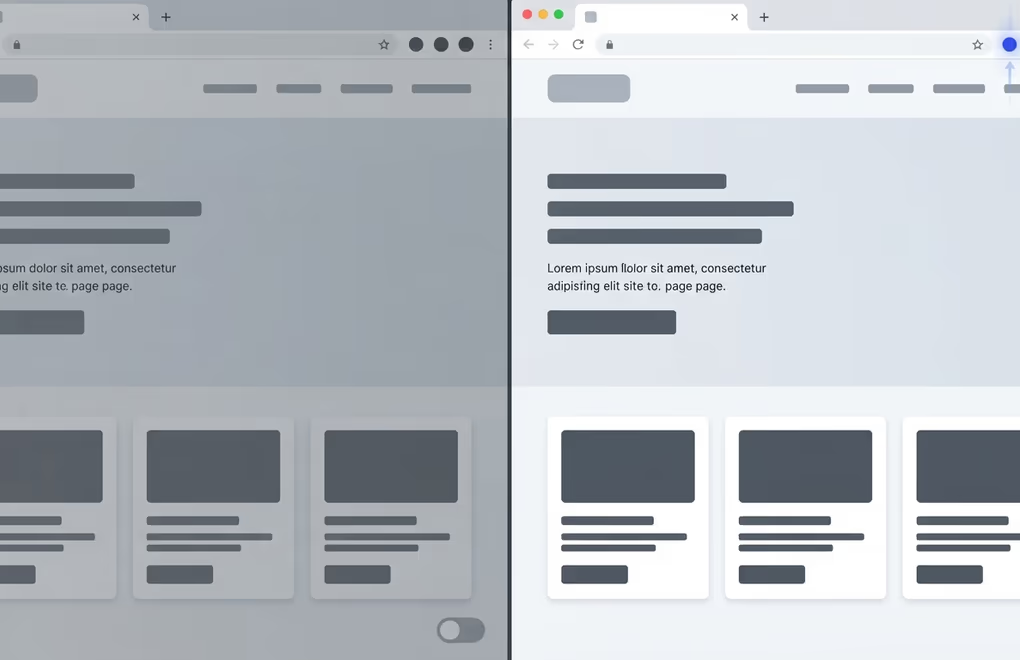
Consent Mode v2 comes in two setups, basic and advanced, and the difference is when Google’s tags are allowed to load. Basic mode blocks the tags completely until a visitor makes a choice on your banner. Advanced mode loads the tags right away but keeps them anonymous until consent arrives, sending only stripped-down signals in the meantime.
Basic mode is the stricter option. Nothing from Google runs before the visitor answers, and if they decline, the tags never fire. That keeps things clean for privacy, and it’s easy to explain to a data protection officer who wants nothing loading ahead of consent. The trade-off is the data you give up, because when someone leaves without answering, or declines, you record nothing about that visit at all.
Advanced mode is the setup most sites running ads end up choosing. Because the tags load straight away, they can send what Google calls cookieless pings while they wait for consent. A cookieless ping is an anonymous note that an event happened, with no identifying cookie attached. Google uses those pings to estimate the conversions and visits you would have measured, a process it calls conversion modeling. So even when a visitor declines, you keep a modeled read of what happened instead of a blank.
For a straight recommendation, pick advanced mode if your WordPress site depends on Google Ads or on accurate analytics, because the modeled data is often the difference between a campaign you can optimize and one flying blind. Pick basic mode when a privacy review or your own principles say nothing from Google should touch the page before a visitor agrees. Both are valid Consent Mode v2, and most consent plugins let you switch between them with a single setting, so you can start with advanced and tighten to basic later if you need to.
How do you set up Consent Mode v2 in WordPress?
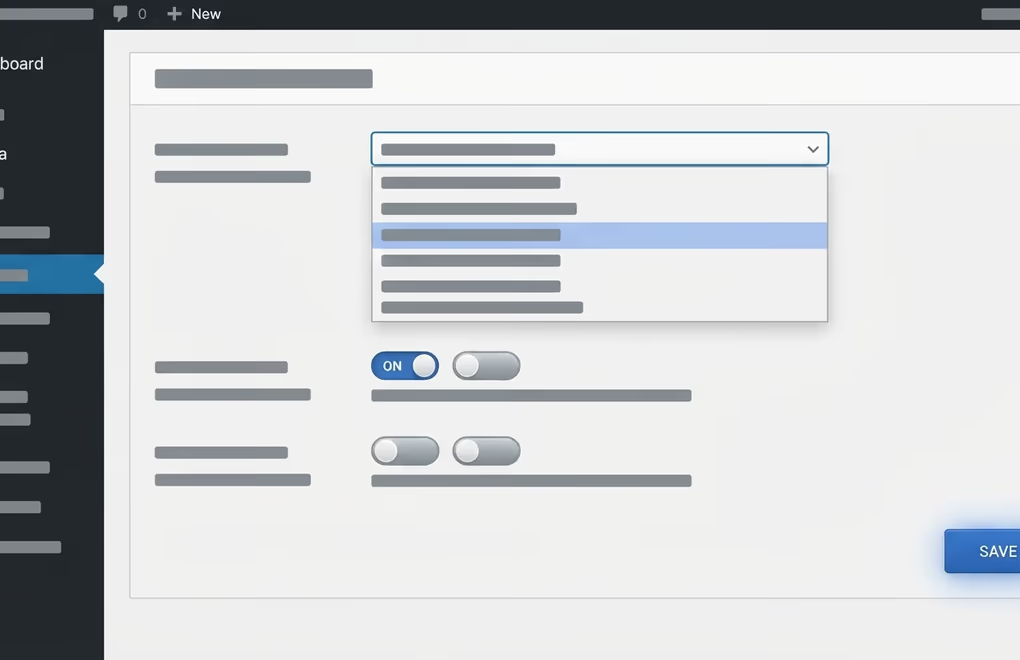
The reliable way to set up Consent Mode v2 in WordPress is a cookie consent plugin that supports the four signals, so it declares the defaults and updates them when a visitor answers your banner. That keeps the wiring out of your theme files and out of Google Tag Manager for the large majority of sites, which is exactly where most owners want it.
The plugin route comes down to four steps that you do once.
- Choose a consent plugin that clearly lists Google Consent Mode v2 support, and confirm it appears on Google’s certified CMP list if you run ads in Europe, because Google requires a certified platform for EEA advertisers.
- Connect your Google tags to the plugin so they load after the consent defaults are declared, rather than firing on their own before any signal exists.
- Choose basic or advanced mode in the plugin settings, based on the trade-off from the previous section.
- Publish the change, then test it properly before you trust it, which the next section covers.
A cookie consent plugin handles the banner and the consent categories, which is the layer your visitors actually see and click. DigiConsent is DigiHold’s WordPress plugin for that part, giving you the banner and the category toggles your visitors click, plus a stored record of each choice. Whatever plugin you settle on, the one thing to confirm before you rely on it is that it declares all four Consent Mode v2 signals to Google, and that it sits on Google’s certified list when ads are in play. If you’re weighing options, our look at the best Cookiebot alternative tools compares how several WordPress consent plugins handle exactly this.
Google Tag Manager is still an option for teams that already run everything through it, and Google’s own documentation covers that manual path. For a normal WordPress site it adds moving parts you have to maintain by hand, and a good consent plugin covers the same ground with a settings screen instead of code. Start with the plugin, and reach for Tag Manager only if a setup genuinely needs it.
How do you check that Consent Mode v2 is actually working?

You check Consent Mode v2 with Google’s own Tag Assistant and your browser’s developer tools, both of which show the consent signals leaving your site in real time. When the four signals appear and flip as you accept or decline the banner, the wiring is correct. When they never appear, or never change, something in the chain is broken and worth fixing before you rely on it.
Tag Assistant is the friendly check. You connect it to your own site, load a page, and it shows the consent state attached to each Google tag as it fires. You want to see the tags reading a consent state rather than ignoring one, and you want that state to change when you interact with your banner. It’s the quickest way to confirm the plugin and Google are actually talking.
Your browser’s developer tools are the honest second look, because they show the raw requests with nothing hiding them. Open the Network tab, filter for the Google collect requests, and watch the consent parameters as you click through your banner. Accept everything and the parameters should show consent granted. Decline and they should show consent denied on the matching signals. If they never move, your banner and Consent Mode aren’t connected, whatever the plugin screen claims.
A few problems show up again and again. Tags sometimes fire before the consent defaults are declared, which means the first hit leaks out ungoverned. A plugin and a separate Tag Manager container sometimes both try to set consent and quietly fight each other. And region settings sometimes limit the signals to Europe in a way that hides them when you test from elsewhere. Test in a fresh private window, and from a European connection when you can, so you see what an actual EU visitor triggers rather than a cached version of your own session.
Getting the handoff right without overbuilding it
Consent Mode v2 really comes down to one handoff, your cookie banner telling Google what the visitor chose. Everything else is detail around that single job. You don’t need a tangle of manual code you’ll have to babysit through every plugin update and theme change. A consent plugin that supports the four signals covers it, as long as you pick basic or advanced on purpose and confirm the plugin is certified when you run ads in Europe.
The step most owners skip is the test, and it’s the one that actually protects you. Spend ten minutes in your browser’s developer tools watching the signals move, then move on with the rest of your site. Come back and check again after any big change to your Google tags or your consent plugin, because those are the moments the handoff tends to break. Do that much and you stay on the right side of Google’s rules without turning consent into a second job.



0 Comments on "Google Consent Mode v2 for WordPress Sites"