
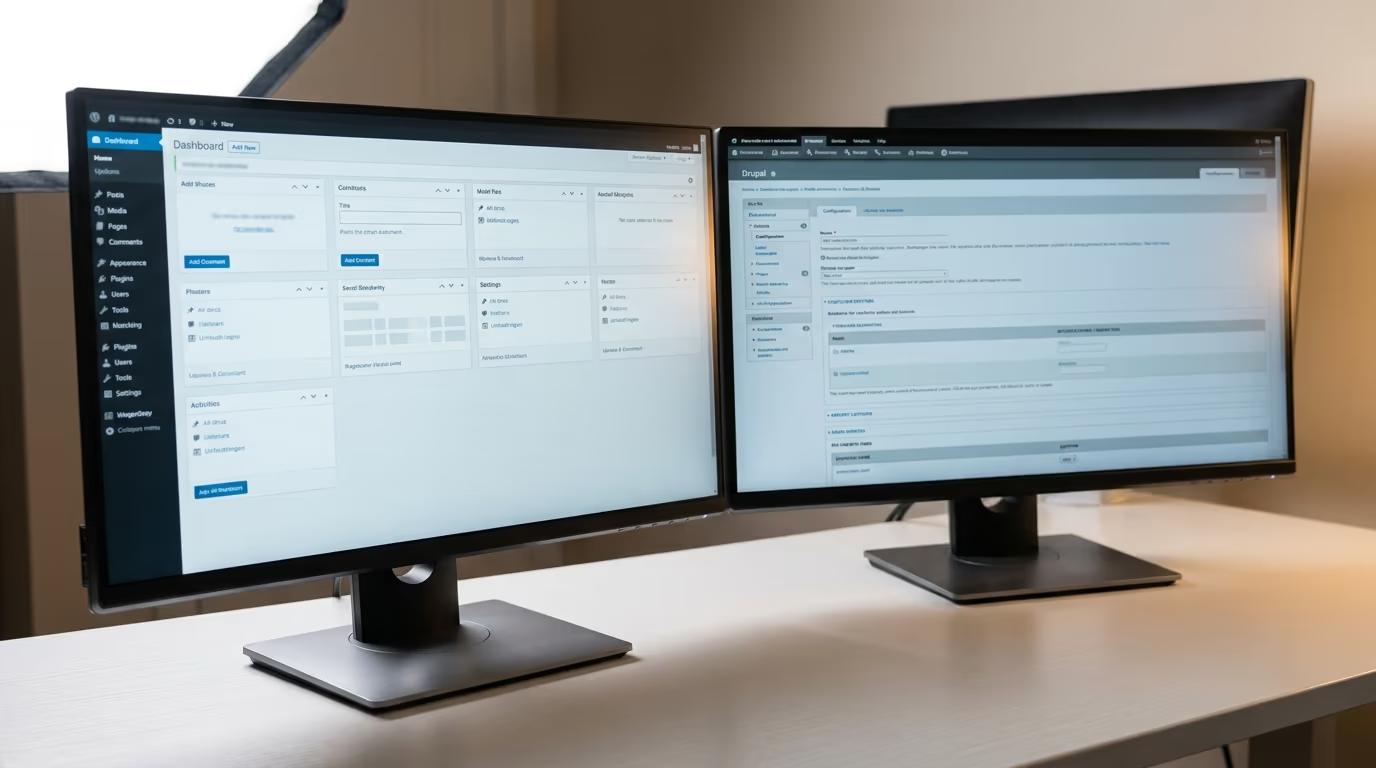
Drupal vs WordPress is one of the oldest CMS debates in web development, and in 2026, both platforms look very different than they did five years ago. WordPress powers roughly 43% of all websites and holds about 63% of the CMS market. Drupal sits closer to 1% of all sites but still runs approximately 7% of the top 10,000 highest-traffic websites, including government agencies and large enterprises.
The short answer: WordPress is the better choice for most websites. It’s faster to set up, cheaper to maintain, and has a much larger ecosystem of plugins and themes. Drupal makes more sense when you need granular content modeling, complex user permissions, or when your team already has deep Drupal development experience.
WordPress 7.0, released in May 2026, brought a redesigned admin dashboard, improved full site editing, and native AI integration for content workflows. These changes narrowed several gaps that once gave Drupal a technical edge. Drupal 11.4 is the current stable release, with Drupal 12 expected in December 2026. Both platforms are actively maintained, and both can produce excellent results in the right hands.
The comparison below covers the differences that actually matter when you’re picking between them: learning curve, plugin availability, security, and what each platform costs to build and maintain over three years. If you’ve already compared WordPress against other platforms, this breakdown follows the same practical structure used in our WordPress vs Shopify comparison.
How do WordPress and Drupal compare in 2026?
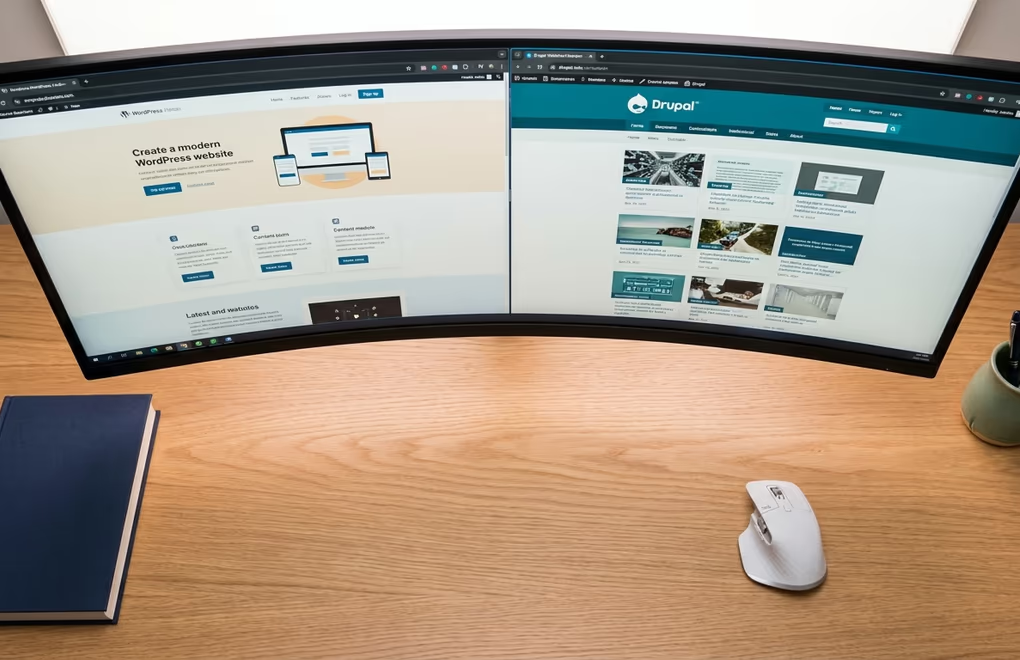
WordPress started in 2003 as blogging software and Drupal launched in 2000 as a community forum tool. Both evolved into general-purpose content management systems, but their trajectories split somewhere around 2010 when WordPress doubled down on ease of use and Drupal leaned into architectural flexibility.
WordPress took the path of accessibility. Its admin interface, block editor, and one-click install made it possible for anyone to build a website without writing code. That approach is why WordPress went from powering a handful of blogs to running close to half the internet.
Drupal went the other direction, prioritizing structured content and developer-first workflows. Government agencies, universities, and large media companies chose Drupal because it gave them precise control over content types, taxonomies, and access permissions at a level WordPress didn’t offer natively at the time. Drupal also had native multilingual support years before WordPress plugins like WPML caught up, which made it a default choice for organizations operating across multiple languages and regions.
But the gap has narrowed in meaningful ways. WordPress 7.0 introduced DataViews, a rebuilt admin dashboard that handles filtering, sorting, and bulk actions without page reloads. Full site editing reached the point where you can customize headers, footers, and templates visually using block themes, without touching PHP template files. Native AI support for content workflows landed as a core feature rather than a third-party add-on.
Drupal 11 made its own improvements, particularly with the Olivero default theme and a more accessible first-run experience. But its user base has contracted from 5.5% CMS market share in 2014 to roughly 1% today, while WordPress held steady around 43%. The developer community around Drupal is smaller, which means hiring for Drupal projects takes longer and costs more than comparable WordPress work.
Performance tells a more mixed story. According to HTTPArchive data cited by Pantheon, roughly 50% of Drupal sites pass Core Web Vitals assessments compared to about 30% for WordPress sites. That gap largely reflects the default state of each platform rather than what’s achievable with proper optimization. A WordPress site running a lightweight block theme with good caching and image optimization performs on par with Drupal, but more WordPress sites run heavy themes with too many plugins, which pulls the average down.
Which CMS is easier to learn and use?
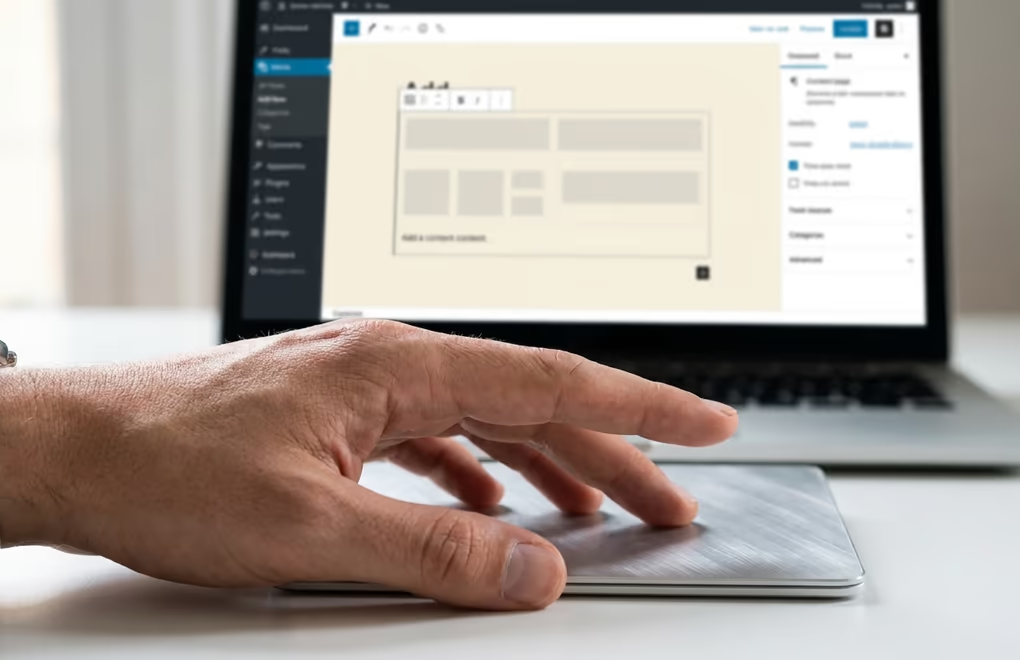
WordPress wins this comparison outright, and it isn’t a close race. A first-time user can install WordPress on most hosting providers in under five minutes, pick a theme, and publish a page within the hour. The block editor (Gutenberg) lets you build page layouts by dragging and dropping content blocks, with each block handling a specific element like text, images, buttons, or columns.
Drupal’s learning curve is steep even for experienced developers. Setting up a Drupal site requires understanding concepts like content types, views, fields, display modes, and the relationship between modules and configuration. Building a single page often involves creating a content type, defining its fields, configuring a view, and setting up a display mode before you can actually start writing content.
WordPress 7.0 widened this gap with its new admin dashboard, which replaced the old post list interface with a modern, filterable system where you can switch between table, grid, and list views. Drupal’s admin panel has improved with Claro (its admin theme), but configuring anything beyond basic content still requires navigating deeply nested configuration screens that assume developer-level knowledge.
For non-technical users, the difference is even more pronounced. A business owner can update pages, swap images, and add blog posts on WordPress without calling a developer for help. That same business owner on Drupal will likely need developer support for changes beyond basic text edits, especially if the site uses custom content types or complex views that require configuration changes.
Site builders and agencies will find that the WordPress block ecosystem now covers tasks that used to require Drupal’s structural flexibility. Plugins like DigiBlocks provide custom Gutenberg blocks for headings, images, separators, and FAQ sections that output clean, valid markup. That gives you the structured control Drupal was known for without the configuration overhead that slows down development.
The content creation workflow matters here too. Writing a blog post in WordPress takes about five clicks from login to published page, and you can preview exactly how the post will look on the live site before hitting publish. In Drupal, the editing experience depends heavily on how the site was configured by a developer, which means two Drupal sites can feel completely different to use. WordPress offers a more consistent and predictable editing experience across installations, which reduces training time when onboarding new team members.
How do their plugin ecosystems and themes stack up?
The WordPress plugin directory on wordpress.org lists over 63,000 free plugins as of mid-2026, with thousands more available as premium options on independent marketplaces. For almost any feature you can think of, multiple WordPress plugins compete for it, and that competition drives quality up and prices down across the board.
Drupal’s module directory contains approximately 39,000 modules, but the comparison isn’t entirely fair as a direct number match. Many Drupal modules solve the same problem as a single WordPress plugin, but they require you to combine several of them together and configure each one separately. Where WordPress gives you a complete SEO plugin like Rank Math that handles sitemaps, schema, meta tags, and analytics in one package, Drupal’s equivalent might involve three or four modules (Pathauto, Metatag, Simple Sitemap, Schema.org Metatag) that you need to install, configure, and connect yourself.
The theme ecosystem follows a similar pattern to plugins. WordPress has over 10,000 themes in its directory, ranging from lightweight block themes optimized for speed to full-featured themes with built-in page builders. Drupal offers roughly 2,500 themes, with far fewer options for people who want to customize their site visually without editing template files by hand.
The WordPress block theme model that arrived with full site editing changed the game for theme flexibility. A block theme like DigiFusion gives you site-wide template control through the visual block editor rather than PHP files, making it possible to redesign page layouts without writing a single line of code. Drupal’s theming system uses Twig templates, which provide fine-grained control but require editing template files directly, putting meaningful customization out of reach for most non-developers.
Where Drupal’s module system genuinely outperforms WordPress is in content modeling. If your site needs to display the same piece of content across multiple views, in different contexts, with different fields shown to different user roles, Drupal’s entity-reference and views system handles that natively and well. WordPress can achieve similar results with Advanced Custom Fields and custom queries, but it takes noticeably more setup work and ongoing maintenance to keep running smoothly.
Is WordPress or Drupal more secure?

Security comparisons between these two platforms tend to rely on outdated data that doesn’t reflect the current state of either CMS. A frequently cited Sucuri report from 2017 found that 83% of infected CMS sites ran WordPress, while Drupal accounted for about 2% of infections. That number reflects market share more than vulnerability, because WordPress runs over 60% of all CMS installations and naturally attracts more attacks.
Both platforms take security seriously in their core code and have mature processes for handling vulnerabilities. WordPress ships automatic minor security updates, which means most sites receive critical patches without any action from the site owner. Drupal has a dedicated security team that evaluates every contributed module and issues advisories weekly, following a structured 25-point severity scale for categorizing risk.
The real security differences show up in how sites are maintained in practice, not in the platform code itself. WordPress sites get compromised primarily through outdated plugins, themes, or weak admin passwords rather than through core vulnerabilities. A WordPress site running current versions of everything and a strong password has a security profile comparable to any well-maintained Drupal installation.
Drupal does have a structural advantage for high-security, compliance-heavy projects. Its permission system is more granular than WordPress out of the box, letting administrators define exactly which user roles can access which content types, fields, and operations down to the field level. Drupal also has a strong track record with government and healthcare organizations that require strict regulatory compliance with defined access controls.
For the vast majority of business websites, the security difference between the two platforms is smaller than the difference between a well-maintained site and a neglected one. Installing a quality security plugin, keeping everything updated, and using strong passwords will protect your WordPress site effectively. Our guide on how to secure your WordPress site walks through the specific steps that matter most for keeping your site protected.
What does each CMS actually cost to run?

Cost is where the comparison gets concrete, and WordPress has a clear financial advantage for most project sizes. The total cost of ownership includes development, hosting, ongoing maintenance, and the price of premium plugins or modules you’ll need over time.
WordPress developer rates average $42 per hour in the United States as of 2026, with freelance rates ranging from $25 to $150 per hour depending on project complexity and developer experience. Drupal developers charge more because the available talent pool is smaller and the platform requires deeper technical knowledge to work with effectively. Average Drupal developer rates sit around $55 per hour, with freelance rates typically running 15 to 30 percent higher than equivalent WordPress developer rates for comparable project scope.
A typical WordPress business site costs between $3,000 and $15,000 to build, depending on design complexity and the number of custom features involved. The same site built on Drupal would run $10,000 to $50,000 because development takes longer, more custom code is usually involved, and finding available Drupal developers often takes more time to begin with.
Hosting costs are roughly comparable for both platforms, typically ranging from $20 to $100 per month for managed hosting that handles updates, backups, and security monitoring. WordPress has significantly more hosting options at the lower end because more hosting providers specialize in WordPress and compete on price as a result.
Ongoing maintenance is where the cost gap widens steadily over time. WordPress sites typically cost $50 to $200 per month for updates, backups, and security monitoring, with many tasks automated by plugins. Drupal sites often need a developer on retainer for version upgrades and module compatibility checks, pushing monthly maintenance costs to $200 to $500 or more.
For anyone selling digital products, WordPress paired with an e-commerce plugin like DigiCommerce can handle payments, file downloads, and license key management at a fraction of what a custom Drupal e-commerce setup would cost to build and maintain.
Over a three-year period, the total cost difference between WordPress and Drupal can reach $20,000 to $40,000 for a comparable site, with the majority of that gap coming from higher development and ongoing maintenance costs on the Drupal side. For a small business building its first site, that difference is often the entire project budget, which makes WordPress the practical default unless you have a specific reason to choose Drupal from the start.
When each CMS makes the most sense
WordPress is the right pick for business websites, blogs, online stores, membership sites, and any project where speed of launch and lower total cost are priorities for the team building it. Its plugin ecosystem, wide developer availability, and the improvements that landed in WordPress 7.0 make it the stronger starting point for the vast majority of teams and project types you’ll encounter in practice.
Drupal makes sense for large-scale, multi-language sites with complex content structures, strict compliance requirements, and a development team that already has meaningful Drupal experience. Government portals, university networks, and enterprise media outlets continue to rely on Drupal for its content modeling precision and granular permission controls.
If you’re choosing between the two and your project doesn’t have a hard technical requirement that only Drupal can meet, go with WordPress. You’ll build faster, spend less on both development and maintenance, and find far more plugins, themes, and available developers to support your site as it grows and evolves over the years ahead.



0 Comments on "Drupal vs WordPress: Which CMS Should You Pick?"