
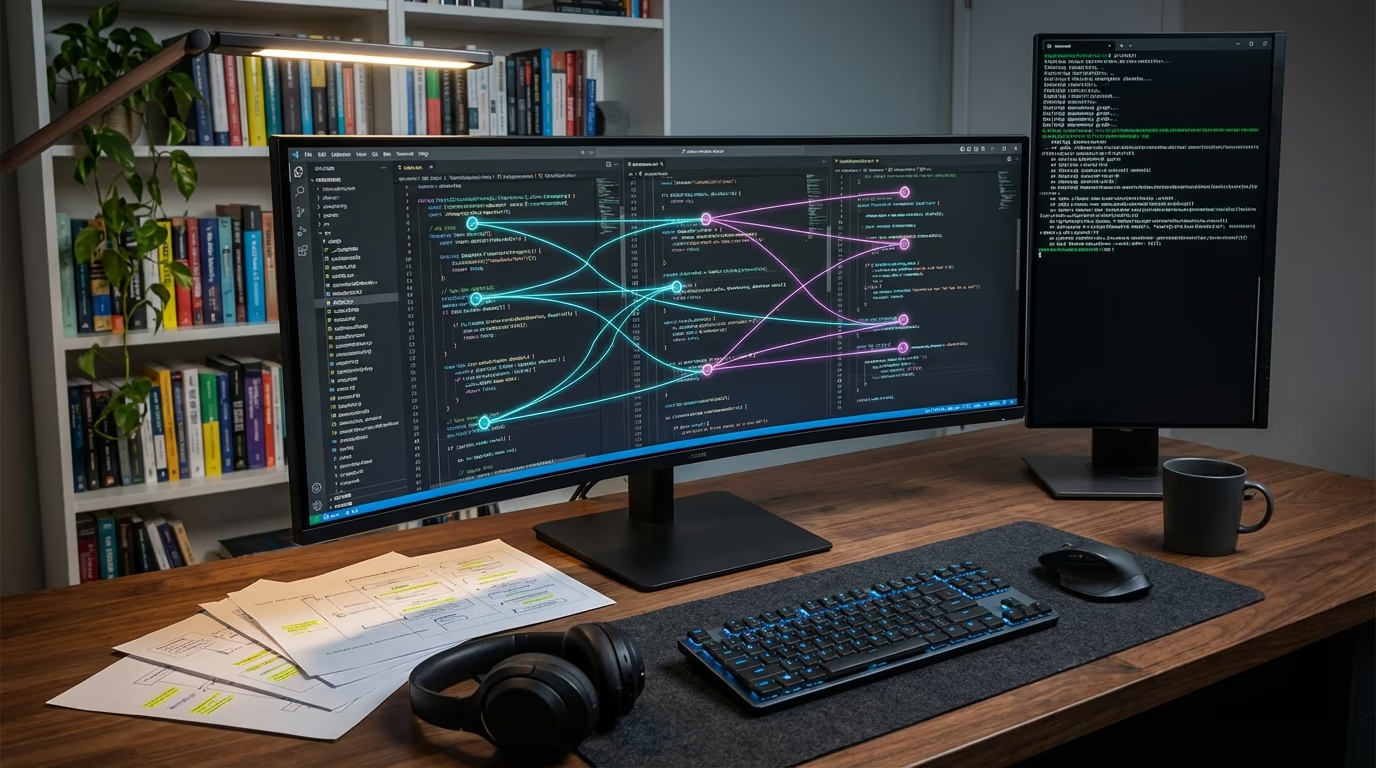
Every developer has been there. You crack open a project you haven’t touched in six months and suddenly you’re staring at thousands of lines of code with zero memory of how any of it works. Or worse, it’s someone else’s project. AI code diving changes that equation entirely, because instead of spending hours tracing function calls through files and reading documentation that may or may not still be accurate, AI tools can now parse an entire repository, map its architecture, and hand you a working understanding of the codebase in minutes.
This isn’t just a convenience for full-time developers. WordPress site owners managing custom themes, plugin-heavy installations, and agency-built projects face the same challenge on a smaller scale. When something breaks or you need a new feature, understanding how your existing code works is half the battle. And with the average WordPress site running 20 to 30 plugins, each with its own codebase and dependencies, that battle has gotten considerably more complex over the years.
AI code diving goes well beyond the autocomplete features that made tools like GitHub Copilot famous. Where autocomplete predicts the next line you might type, AI code diving refers to the ability of modern AI tools to deeply analyze, navigate, and comprehend entire codebases. These tools build knowledge graphs of your repository, understand how functions relate to each other across files, track dependencies, and identify architectural patterns. They don’t just read your code. They understand it contextually, the same way an experienced developer would after weeks of working in a project.
In this guide, you’ll learn what AI code diving actually means in practice, how it works technically, which tools do it best in 2026, and how WordPress developers can use these capabilities to build better sites and plugins. We’ll also look at what the latest data says about AI-assisted code analysis, because the results aren’t as straightforward as the marketing would have you believe.
What AI Code Diving Actually Means
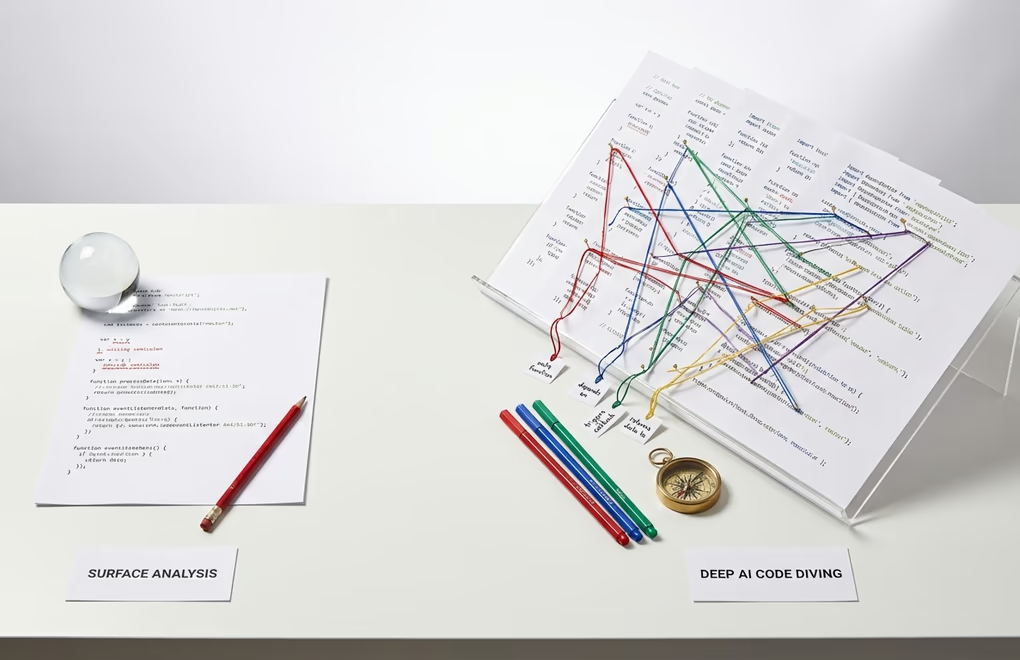
The term “AI code diving” describes a specific capability that separates modern AI coding tools from their predecessors. Rather than simply suggesting the next line of code based on patterns, these tools analyze your entire project to understand its structure, logic, and intent. It’s the difference between a spell checker that flags individual words and an editor who reads your entire manuscript to understand the narrative. AI code diving is the editor.
Back in 2023 and early 2024, most AI coding assistants behaved like smart linters. They analyzed changed lines in isolation, applied pattern-based checks, and had essentially no understanding of how one piece of code connected to another. If you asked for a code review, you’d get feedback on the diff, the specific lines you changed, without any awareness of whether those changes might break something three files away.
That’s changed dramatically since then, and modern AI code diving tools now build comprehensive knowledge graphs of your entire repository, mapping every function, class, variable, and dependency into a structure the AI can query and reason about. So when you ask a question about your code or request a change, the tool doesn’t just look at the file you’re working in, it goes deeper and traces relationships across your entire project, spots potential ripple effects you’d never catch manually, and provides recommendations that account for the full architectural picture rather than just the ten lines you’re staring at.
For WordPress developers, this is particularly valuable. A typical WordPress project involves themes, plugins, custom functions, hooks, filters, and template files that all interact in specific ways. Understanding how a change to your functions.php might affect a custom plugin, or how a theme update could break a WooCommerce integration, requires exactly the kind of cross-file, architectural awareness that AI code diving provides. Instead of manually tracing hook callbacks through multiple files, the AI does it for you.
The practical result is that developers spend less time reading code and more time making decisions about it. According to Anthropic’s 2026 Agentic Coding Trends Report, developers now use AI in roughly 60% of their work, though they report being able to fully delegate only 0 to 20% of tasks. The gap between “using AI” and “delegating to AI” exists precisely because understanding code deeply still requires human judgment. But AI code diving handles the tedious analysis work that precedes that judgment.
How AI Code Diving Works Under the Hood
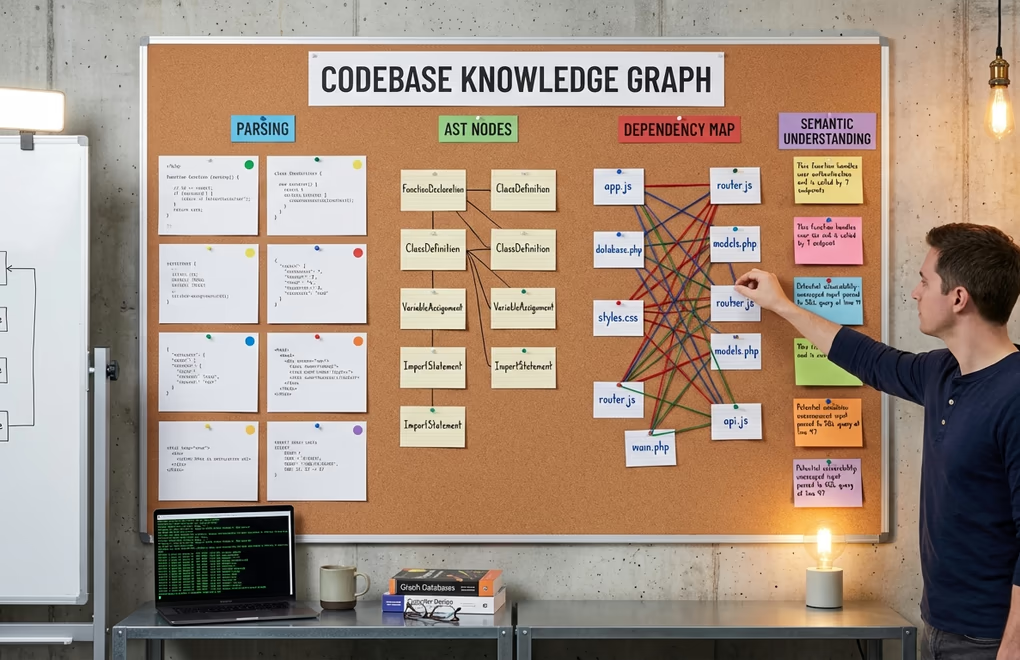
Knowing what happens behind the scenes helps you get more out of these tools. It all starts with codebase indexing. When you point an AI tool at a repository, it doesn’t just read files one after another the way you would. Instead, it parses the entire codebase into an abstract syntax tree, identifies relationships between components, and builds an internal representation that captures both the structure and semantics of your code. The result is a kind of mental model of your project that the AI can reference instantly.
The most sophisticated tools go further by creating knowledge graphs. Greptile, for example, builds a language-agnostic graph of every function, class, and dependency in your repository. This graph allows the AI to answer questions that require cross-file understanding, things like “what happens if I rename this function?” or “which components depend on this API endpoint?” The knowledge graph approach is what separates genuine code diving from surface-level code scanning.
Context windows play a critical role in how deep the analysis can go. Early AI coding tools were limited to relatively small context windows, which meant they could only “see” a few files at a time. In 2026, tools like Claude Code can process significantly larger contexts, allowing them to reason about complex multi-file architectures without losing track of important details. When Claude Code processes a WordPress plugin repository, it can simultaneously hold the main plugin file, template files, JavaScript assets, and CSS in its working memory, understanding how they all connect.
Agentic workflows represent the latest evolution in AI code diving. Rather than responding to a single prompt, agentic AI tools can plan multi-step analysis tasks, execute them autonomously, and iterate based on what they find. Anthropic’s 2026 report found that agents now complete around 20 autonomous actions before requiring human input, which is double what was possible just six months ago. In practice, this means you can ask an AI agent to audit a WordPress plugin for security vulnerabilities, and it will systematically examine file permissions, SQL queries, input sanitization, and authentication checks across the entire codebase without you guiding each step.
Want to see how far this has come? Rakuten’s engineering team pointed Claude Code at a 12.5-million-line codebase to implement an activation vector extraction method, and the agent worked autonomously for seven hours straight before delivering results with 99.9% numerical accuracy. Your WordPress projects probably won’t hit that scale. But the underlying technology, deep contextual understanding combined with autonomous multi-step reasoning, works just as well on a 10,000-line plugin. The principles scale down as easily as they scale up.
The Best AI Code Diving Tools in 2026
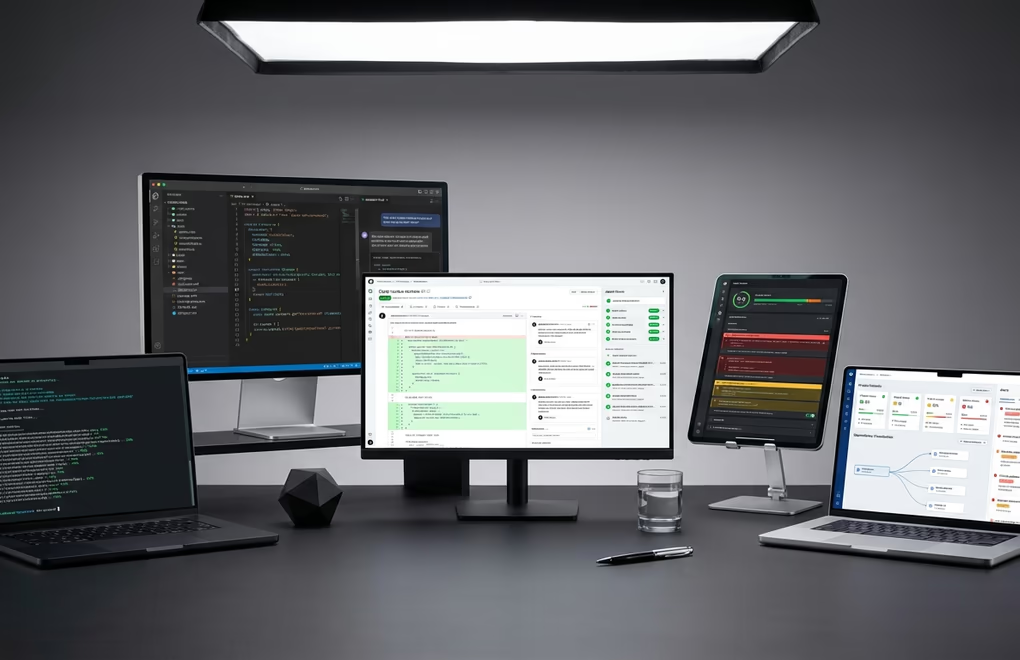
The tool landscape has thinned out considerably. In 2026, a handful of platforms dominate AI code diving, and each takes a different approach. Which one you should pick depends on your workflow, your tech stack, and honestly, how much you’re willing to pay for deeper analysis capabilities.
Claude Code stands out for its terminal-based approach and deep repository comprehension. Built by Anthropic, it runs directly in your terminal and can understand your entire repo, execute shell commands, edit files, and manage Git workflows through natural language. What makes it particularly interesting for WordPress developers is its recent integration with WordPress Studio, which lets you go from describing a plugin concept to having a working prototype in minutes. Claude Code hit $2.5 billion in annualized revenue by February 2026, and GitHub recently added it to its Agent HQ multi-agent platform.
Cursor has carved out a strong position as the AI-native IDE of choice, commanding roughly 18% market share among paid AI coding tools. Forked from VS Code, its core strength is project-wide context awareness. When you’re editing a file, Cursor understands how that file relates to every other file in your project, providing suggestions that account for your entire architecture. It crossed $1 billion in annualized revenue faster than any B2B company in history, which says something about the demand for this kind of deep code understanding.
GitHub Copilot remains the most widely adopted tool with 42% market share and over 20 million cumulative users. Its strength lies in broad integration, working within your existing IDE setup and benefiting from GitHub’s massive training data. The launch of Agent HQ in early 2026 expanded Copilot’s capabilities into multi-agent coordination, where different AI agents can handle different aspects of a code review or development task simultaneously.
For dedicated code review and analysis, Greptile and CodeRabbit deserve attention. Greptile builds a comprehensive knowledge graph of your entire repository, catching bugs that span multiple files and understanding how changes ripple through your system. CodeRabbit focuses on contextual pull request reviews, automatically detecting code standard violations, security vulnerabilities, and performance bottlenecks. Both integrate with standard Git workflows, making them easy to add to an existing WordPress development pipeline.
Qodo rounds out the field with its Context Engine that can index multiple repositories simultaneously, catching issues that require full organizational context rather than just diff-level analysis. For agencies managing dozens of WordPress client sites with shared codebases and custom plugins, this kind of cross-repository awareness can prevent bugs that would otherwise slip through individual project reviews.
AI Code Diving for WordPress Development
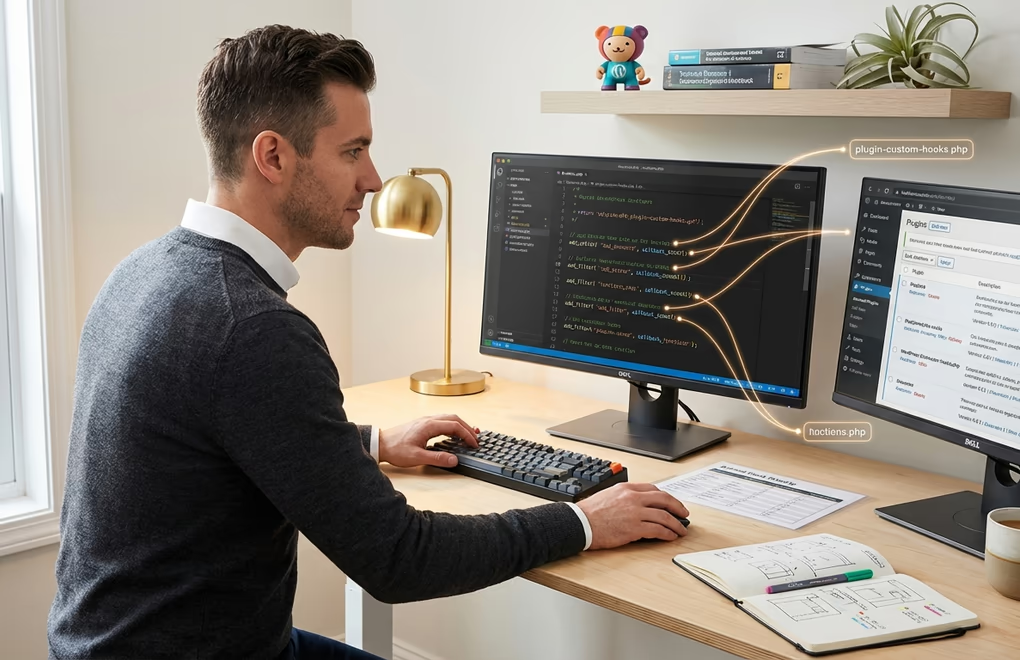
WordPress development has its own unique characteristics that make AI code diving especially useful. The platform’s hook-and-filter architecture means functionality is spread across multiple files in ways that aren’t always obvious. A single action hook in your theme’s functions.php might trigger callbacks in three different plugins, and understanding that chain of events traditionally required either deep platform expertise or a lot of patient debugging.
AI code diving tools handle this complexity naturally. When you point Claude Code at a WordPress project, it can map the relationships between your theme files, plugin code, and WordPress core hooks. Ask it “what happens when a user submits a form on the contact page?” and it’ll trace the execution path from the front-end JavaScript through the AJAX handler, into your form processing plugin, and out through any notification hooks. That kind of analysis would take a developer 30 minutes of manual code reading, but the AI delivers it in seconds.
The WordPress ecosystem has embraced AI coding tools directly. In January 2026, WordPress contributor Brandon Payton published wp-playground, an AI agent skill that lets AI tools run WordPress via the Playground CLI. This gives agents a fast, repeatable way to spin up WordPress instances and verify their work as they iterate. Meanwhile, WordPress.com released a Claude Cowork plugin in February 2026 that turns a conversation with Claude into a fully built WordPress site. You describe what you want, and the AI creates a complete block theme.
For developers building custom Gutenberg blocks, AI code diving streamlines what used to be a tedious process. Modern AI tools understand the block registration API, the block.json structure, and the relationship between edit and save functions. Instead of copying boilerplate and modifying it manually, you can describe the block’s functionality and let the AI generate contextually appropriate code that follows WordPress coding standards. If you’re already using a blocks plugin like those covered in our best Gutenberg blocks plugins roundup, AI code diving can help you extend their functionality or build complementary custom blocks.
AI-assisted plugin development has also matured significantly. Telex, Automattic’s experimental AI tool unveiled at WordCamp US 2025, lets anyone describe a custom Gutenberg block in plain English and receive a fully functional plugin ready to install, no build tools required. It understands WordPress-specific concepts like block registration, editor vs. frontend rendering, and theme compatibility, producing far more accurate results than generic AI models. Combined with tools like Claude Code that understand entire repository structures, WordPress developers can now audit existing plugins for security issues, generate new functionality that integrates cleanly with existing code, and even migrate legacy plugins to modern WordPress patterns. All of this is guided by AI that genuinely understands the WordPress architecture rather than guessing based on generic programming knowledge.
Does AI Actually Make You a Better Developer?
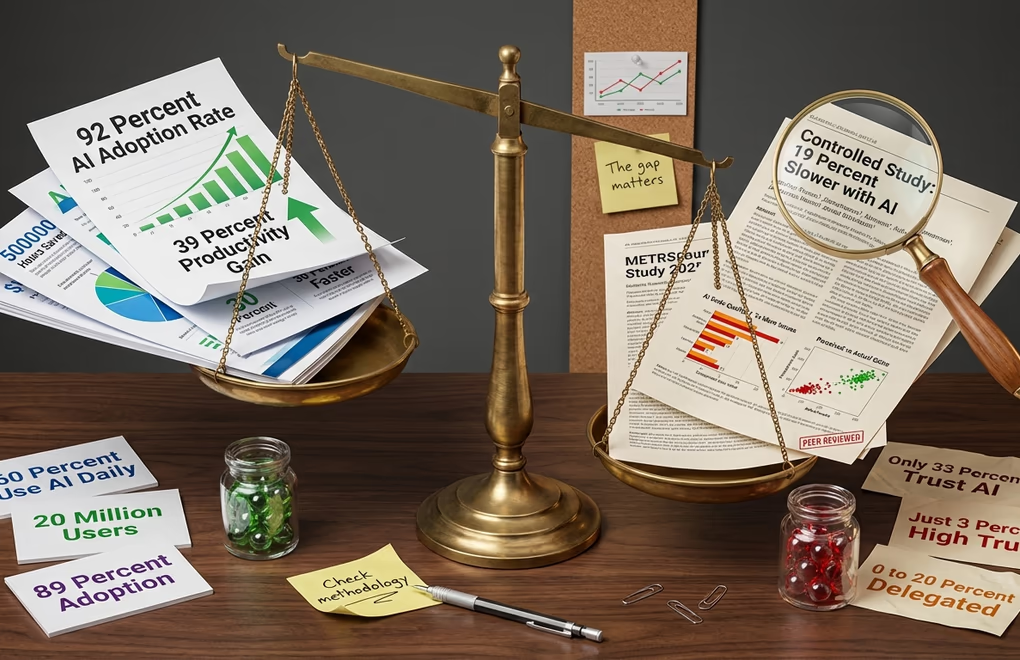
Nearly every developer is using AI tools now. But there’s a big difference between using AI and getting real results from it.
Most developers say AI makes them somewhere around 25 to 39% more productive, and it genuinely feels that way when you’re in the flow. The repetitive stuff gets easier, boilerplate writes itself, you spend less time on Stack Overflow. But when METR actually measured experienced developers under controlled conditions, they found something funny: the developers thought they were 20% faster, but they were actually 19% slower. AI made the work feel easier without actually making it faster.
So does that mean AI is useless? Not at all. It just means that where you point it matters more than whether you use it.
And that’s exactly the argument for code diving over code generation. AI-generated code tends to introduce more bugs than human-written code. Shipping AI output without review is asking for trouble. But flipping the script and using AI to review, audit, and catch problems in your existing code? That’s where things get genuinely useful.
Only about a third of developers actually trust AI-generated code. For WordPress developers building sites that handle payments and customer data, that skepticism is healthy. AI code diving works best when it strengthens your workflow, not when it replaces the human judgment that catches what AI still misses.
How to Start AI Code Diving on Your Next Project

Getting started with AI code diving doesn’t require a complete overhaul of your development workflow. The most effective approach is to integrate these tools incrementally, starting with code review and analysis before moving into code generation. Developers who jump straight to “write this feature for me” often get worse results than those who first let the AI understand their existing codebase.
Your first step is choosing a tool that fits how you already work. VS Code users will find Cursor the most seamless transition since it’s built on the same foundation. Terminal-first developers who want deep repository analysis should look at Claude Code. And if you’re already embedded in the GitHub ecosystem, Copilot’s expanding agent capabilities keep everything in one place. The key here is commitment: don’t try to use all of them simultaneously, because you’ll spend more time switching contexts than actually diving into code. Pick one, learn its strengths, and build your workflow around it.
Context drives everything in AI code diving. The more information you give the tool about your project’s conventions, architecture, and goals, the better its analysis will be. Many tools now support instruction files (like CLAUDE.md for Claude Code) where you can specify coding standards, preferred patterns, and project-specific rules. For WordPress projects, documenting your hook structure, naming conventions, and plugin dependencies in these instruction files dramatically improves the AI’s ability to understand and work with your code.
Start with code review rather than code generation, because this is where AI code diving really shines. Point the AI at an existing plugin or theme and ask it to identify potential security vulnerabilities, performance bottlenecks, or deprecated function calls. This accomplishes two things: you get an immediate, useful audit of your existing code, and you learn how well the AI understands your specific codebase. If it misidentifies WordPress functions or misunderstands your architecture, you’ll know to provide more context before trusting it with generation tasks.
Build feedback loops into your workflow. AI code diving tools learn from your corrections and refinements during a session, so the more you interact with them on a specific project, the better they get at understanding your codebase. Run tests after every AI-suggested change, review diffs carefully, and don’t accept code you don’t understand. If you’re building WordPress plugins, tools like AI chatbot integrations and AI content creation plugins can complement your code diving workflow by handling the content and user-interaction layers while you focus on core functionality.
For WordPress-specific projects, structure your repository in a way that helps AI tools analyze it effectively. Keep your main plugin file clean with clear docblocks, separate your admin and public-facing code into distinct directories, and use consistent naming patterns for hooks and filters. The cleaner your code organization, the deeper and more accurate the AI’s analysis will be. And if you’re working with generative AI tools alongside your development workflow, having well-organized code means the AI can generate new features that genuinely integrate with what you’ve already built.
Where AI Code Diving Goes From Here
AI code diving in 2026 sits at an interesting inflection point. The tools are powerful enough to understand complex codebases and provide genuinely useful analysis, but the data shows they haven’t yet earned the level of trust that would let developers fully hand over the reins. That tension is actually healthy, because it keeps humans in the loop where they need to be while letting AI handle the analysis grunt work that nobody enjoys.
Multi-agent coordination is the next frontier. With 57% of organizations already deploying multi-step agent workflows, the near future likely involves specialized AI agents working together on different aspects of a project. One agent handles code review while another manages testing and a third monitors deployment, all coordinated automatically. For WordPress developers and site owners, this could mean pointing a team of AI agents at your entire site infrastructure and getting a comprehensive audit covering code quality, security, performance, and SEO in a single pass.
What’s your experience been with AI coding tools so far? Whether you’re using them for WordPress development, plugin building, or just trying to understand a codebase you inherited, we’d love to hear how it’s going in the comments below.



0 Comments on "AI Code Diving: How Developers Use AI to Understand Any Codebase in 2026"