
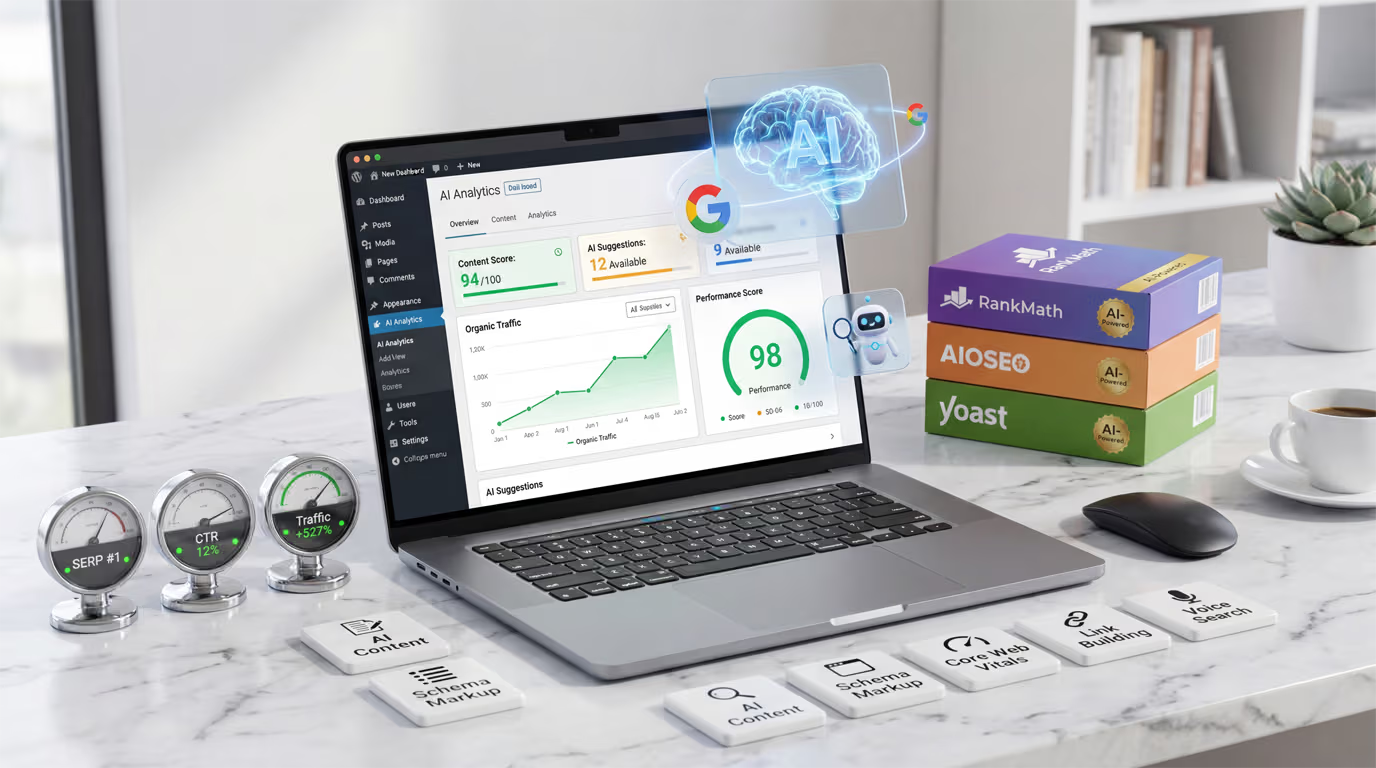
Google’s search algorithm processes over 8.5 billion queries daily, and the sites ranking on page one share something in common: they’ve figured out how to leverage WordPress SEO AI effectively. The numbers paint a clear picture. AI discovery traffic increased 527% comparing the first five months of 2025 to the same period in 2024. That’s not a typo, and it’s not slowing down.
Here’s the reality most WordPress users face: traditional SEO tactics still work, but they’re becoming table stakes. Everyone optimizes title tags. Everyone writes meta descriptions. Everyone targets keywords. The sites pulling ahead in 2026 are the ones using artificial intelligence to analyze competitor content, generate optimized metadata at scale, build strategic internal links automatically, and create content that both humans and search algorithms love.
According to a Planable survey, 65% of marketers reported significant SEO improvements after implementing AI content tools. Rank Math now boasts over 3 million active installations, with Content AI becoming one of its most popular features. AIOSEO crossed the 3 million user mark as well, rolling out AI-powered title generators, meta description writers, and even an LLMs.txt generator to help sites appear in AI search results. The WordPress SEO AI landscape has matured dramatically.
This guide covers everything you need to implement WordPress SEO AI on your site. You’ll learn which plugins deliver real results, how to optimize your content for both traditional search and AI overviews, and the specific strategies that separate sites ranking on page one from those buried on page ten. Whether you’re running a blog, an e-commerce store, or a business website, these techniques apply across the board.
What is WordPress SEO AI and Why Does It Matter?
WordPress SEO AI refers to the integration of artificial intelligence and machine learning technologies into search engine optimization workflows for WordPress websites. Rather than manually analyzing keywords, crafting meta descriptions, and building internal links one by one, AI tools automate and enhance these processes using natural language processing algorithms trained on millions of web pages.
The technology works by analyzing patterns in top-ranking content across search engine results pages. When you feed an AI tool your target keyword, it examines the content currently ranking in positions one through ten, identifies common elements like word count, heading structure, semantic keywords, and readability scores, then provides recommendations to help your content compete. Some tools go further, generating entire paragraphs, optimizing existing text, or even predicting which topics will trend before your competitors catch on.
Why does this matter for your WordPress site specifically? The platform powers over 43% of all websites globally, making it the most popular content management system by a wide margin. This popularity creates intense competition in virtually every niche. A cooking blog competes with thousands of other WordPress cooking blogs. A local plumber’s website competes with dozens of other WordPress sites in the same service area. Standing out requires more than good content alone.
Industry analysts predict that by 2026, 85% of WordPress websites will incorporate some form of AI functionality. This projection reflects current adoption trends showing a 156% year-over-year increase in AI feature implementation across WordPress sites. The businesses not using these tools will find themselves at a significant disadvantage, manually optimizing content while their competitors leverage algorithms that work around the clock.
The shift toward AI-driven search adds another layer of urgency. Google’s AI Overviews, ChatGPT’s web browsing capabilities, and Perplexity’s answer engine are changing how users discover content. These systems favor well-structured, authoritative content with clear formatting and comprehensive coverage. WordPress SEO AI tools help you create exactly that kind of content, positioning your site to appear in both traditional search results and the emerging world of AI-generated answers.
The Best WordPress SEO AI Plugins for 2026
Choosing the right WordPress SEO AI plugin depends on your specific needs, budget, and technical comfort level. The market has consolidated around a few major players, each with distinct strengths. I’ve tested these extensively, and here’s what you need to know about each option. For a detailed head-to-head comparison of the two most popular options, check out our Rank Math vs Yoast SEO guide.
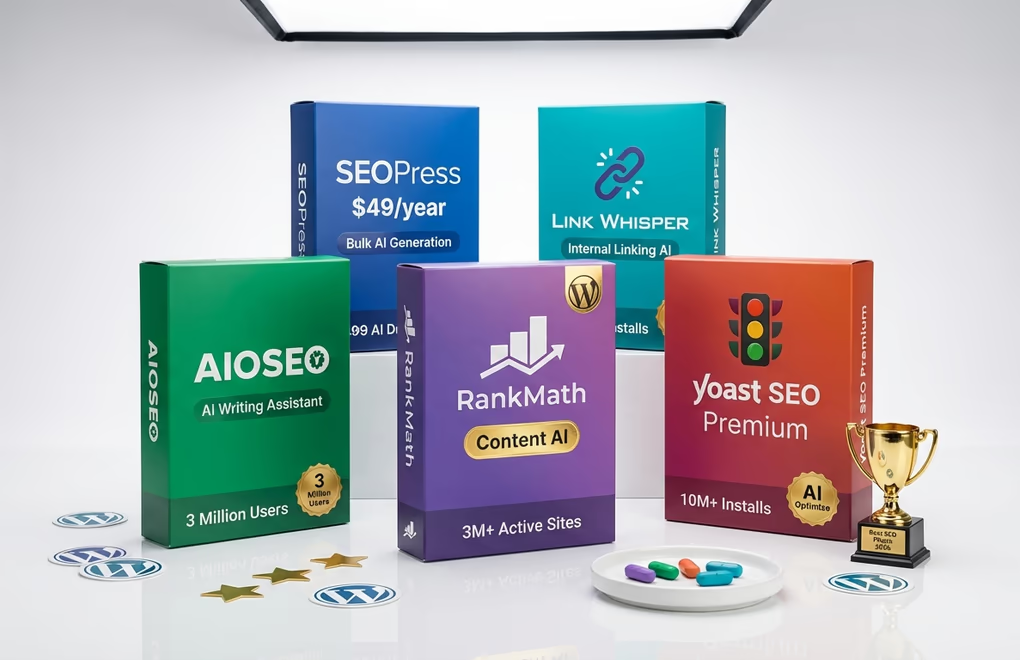
Rank Math with Content AI has become the first WordPress SEO plugin to fully integrate AI into every aspect of optimization. With 3 million active installations and over 40 AI-powered tools, it offers comprehensive coverage. The Content AI feature analyzes your target keyword, examines competitor content, and provides specific recommendations for word count, heading structure, and related keywords to include. RankBot serves as your personal SEO assistant, and premium users get access to 125+ custom prompts for generating titles, descriptions, and content outlines. Free users receive 750 AI credits monthly to test the features, with expanded credit packages available through subscription plans.
AIOSEO (All in One SEO) serves over 3 million WordPress sites and has evolved significantly in 2026. The AI Writing Assistant integrates directly into Gutenberg, helping you craft SEO-optimized content without leaving the editor. Particularly notable is the AI Insights feature, a keyword report tool showing which brands rank for specific queries in AI search results. The LLMs.txt Generator helps AI engines discover your content, which matters increasingly as users shift toward conversational search. AIOSEO’s Link Assistant uses AI to suggest internal linking opportunities across your entire site.
Yoast SEO Premium maintains the largest install base with over 10 million active installations, though it took longer to embrace AI features. The 2025-2026 updates introduced Yoast AI Optimize for improving keyphrase placement automatically and Yoast AI Summarize for generating content briefs. The interface remains the most beginner-friendly, with the familiar traffic light system now enhanced by AI-powered suggestions. For users already comfortable with Yoast’s workflow, the AI additions integrate smoothly without requiring a learning curve.
SEOPress offers a compelling alternative at $49 per year, trusted by over 300,000 websites. The AI features automatically generate SEO titles, meta descriptions, and alt text for images in bulk. For sites with hundreds or thousands of pages needing optimization, this batch processing capability saves considerable time. SEOPress integrates with WooCommerce for product page optimization and includes structured data support for rich snippets.
Link Whisper deserves special mention for internal linking automation. This specialized plugin scans your content as you write, identifies relevant posts and pages across your site, and generates contextual link suggestions with editable anchor text. Strong internal linking improves crawlability, distributes page authority, and helps users discover related content. Link Whisper makes this process effortless rather than tedious.
AI-Powered Content Optimization Strategies
Installing an SEO plugin only gets you halfway there. The real gains come from implementing specific strategies that leverage AI capabilities effectively. These approaches work regardless of which plugin you choose, though the exact features and interfaces will vary. We’ve covered broader AI content workflows in our guide on using AI for WordPress content creation, but here we’ll focus specifically on SEO optimization.
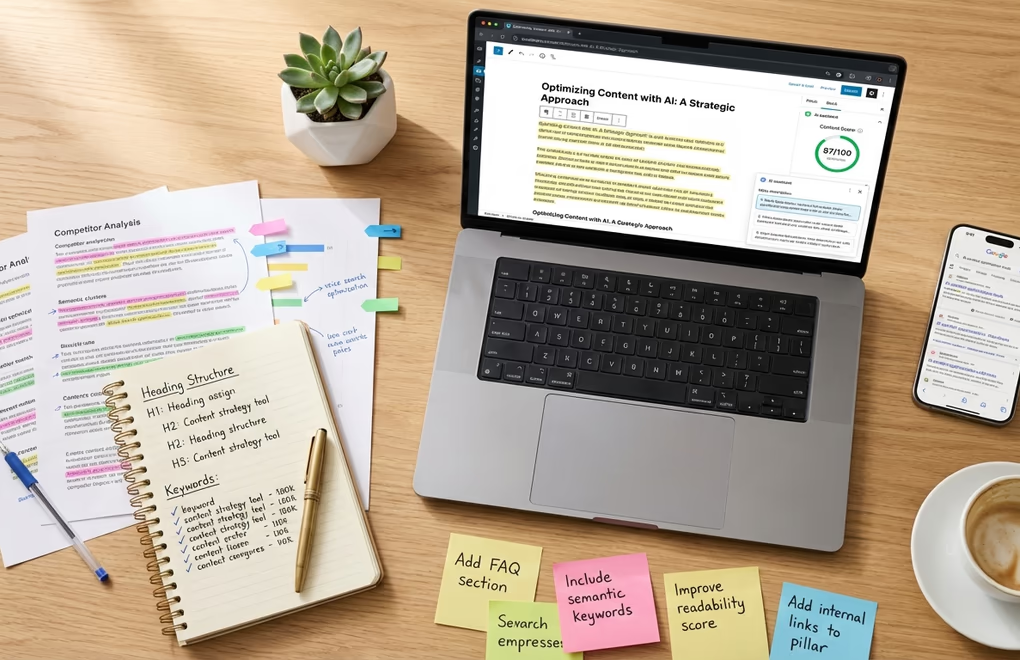
Start with competitor content analysis before writing a single word. Feed your target keyword into your AI tool and study what it reveals about top-ranking pages. Look beyond surface-level metrics like word count. Pay attention to the semantic keywords competitors include, the questions they answer, the structure they use, and the depth of coverage in each section. The best AI tools identify gaps in existing content, showing you opportunities to cover topics your competitors missed entirely.
Use AI to generate multiple title and meta description variations, then select the strongest options. Rank Math’s Content AI can produce five alternatives in seconds. Rather than agonizing over a single title, you’re choosing from optimized options. Test different angles: some emphasizing benefits, others using numbers, still others posing questions. The click-through rate improvements from better titles compound over time, sending stronger engagement signals to search engines.
Implement real-time content scoring while you write. Both Rank Math and AIOSEO display optimization scores in the editor sidebar, updating as you add content. These scores consider keyword placement, heading structure, content length, image optimization, and readability. Aim for scores above 80, but don’t chase perfect numbers at the expense of natural writing. The goal is content that satisfies both algorithms and human readers.
Leverage AI for bulk optimization of existing content. Most WordPress sites have dozens or hundreds of posts with weak or missing meta descriptions, suboptimal titles, and no alt text on images. Running these through AI optimization tools transforms underperforming pages into potential traffic drivers. AIOSEO and SEOPress excel here, processing hundreds of pages automatically while you focus on creating new content.
Create FAQ sections using AI-generated questions and answers. Voice assistants read FAQ content aloud when answering user queries, and Google often pulls FAQ schema into featured snippets. Your SEO plugin can identify common questions related to your topic, generate comprehensive answers, and automatically apply the proper FAQ schema markup. This single technique addresses voice search optimization, featured snippet opportunities, and structured data implementation simultaneously.
Don’t overlook image optimization as part of your WordPress SEO AI strategy. Every image needs descriptive alt text that includes relevant keywords naturally. AI tools generate contextually appropriate alt text based on image analysis and page content. For sites with large media libraries, automated alt text generation prevents the common mistake of leaving hundreds of images without descriptions, which hurts both SEO and accessibility. Consider pairing this with modern image formats like WebP for maximum performance impact.
How to Optimize for AI Search and Google AI Overviews
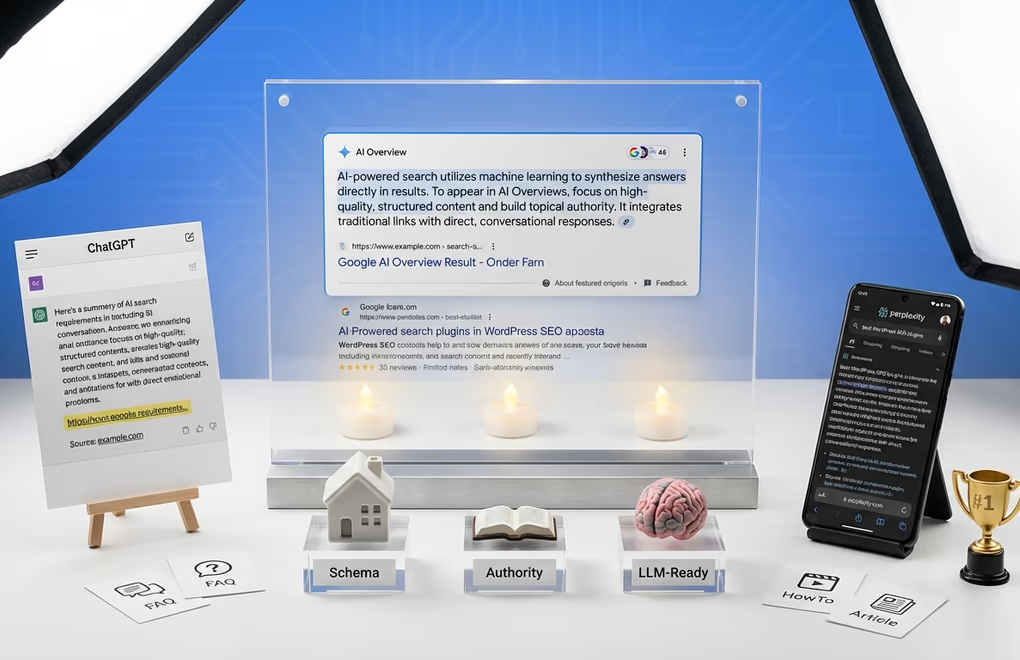
The emergence of AI-powered search represents the most significant shift in SEO since mobile-first indexing. Google’s AI Overviews, ChatGPT’s browsing capabilities, Perplexity, and other conversational search tools are fundamentally changing how users discover and consume content. Your WordPress SEO AI strategy needs to account for this new reality. We explored the broader implications in our generative AI content strategy guide, but let’s focus on practical implementation here.
Generative Engine Optimization, often called GEO, focuses on making your content understandable and citable by large language models. Success with AI Overviews and answer engines comes from helping language models truly understand what your content is about. This means prioritizing structure, clarity, authorship signals, and consistency across your site.
Structure your content for easy parsing by AI systems. Use clear H2 and H3 headings that accurately describe each section. Keep paragraphs focused on single ideas rather than mixing multiple concepts. Write in a direct, declarative style that provides clear answers rather than burying information in lengthy preambles. When AI systems extract information from your content, they favor pages where the answer appears explicitly and concisely.
Implement comprehensive schema markup across your WordPress site. Structured data tells AI tools exactly what your content is about, making it easier for them to surface your information in response to relevant queries. HowTo schema works well for tutorial content. FAQ schema helps question-answer pairs get extracted. LocalBusiness schema matters for companies serving specific geographic areas. Your WordPress SEO AI plugin handles the technical implementation, but you need to ensure the right schema types are applied to the right content.
Consider implementing an LLMs.txt file, which AIOSEO now generates automatically. This file functions like robots.txt but for AI crawlers, helping language models understand your site structure and discover your most important content. As AI search grows, having clear signals about your content hierarchy becomes increasingly valuable.
Build author credibility signals throughout your site. AI systems increasingly evaluate expertise when determining which sources to cite. Create comprehensive author bio pages linking to credentials, publications, and social profiles. Use author schema markup on every post. Ensure bylines are visible and consistent. When ChatGPT or Perplexity needs to cite a source on a topic, they favor content from identifiable experts over anonymous or generic authorship.
Optimize for conversational queries that match how people interact with AI assistants. Traditional keyword research focused on typed queries like ‘best running shoes.’ Voice and AI search tends toward natural language: ‘What are the best running shoes for marathon training?’ Create content that directly answers these conversational queries, ideally in 29 words or less for the initial answer, which matches the typical length voice assistants read aloud.
Technical SEO and Site Performance for AI Rankings
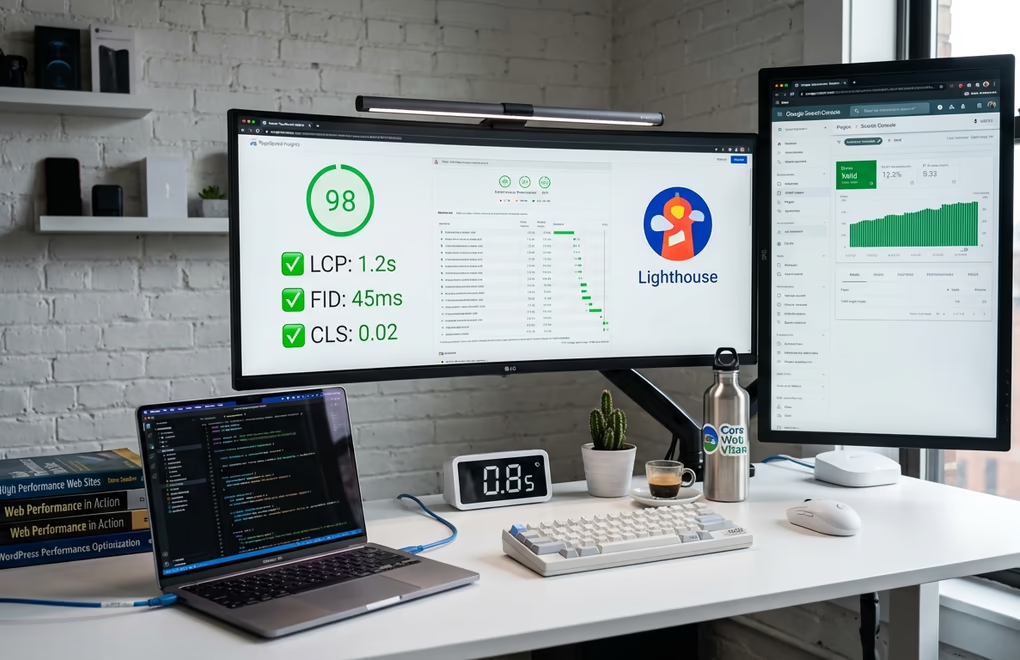
WordPress SEO AI tools handle content optimization brilliantly, but they can’t fix a slow, poorly structured website. Technical SEO remains foundational, and AI actually raises the bar here because both traditional search engines and AI crawlers favor fast, well-organized sites. The technical foundation you build determines how effectively your AI-optimized content performs.
Site speed directly impacts rankings and user experience metrics that search engines monitor. Core Web Vitals, particularly Largest Contentful Paint, measure how quickly your main content loads. Google uses these signals as ranking factors, and slow sites see measurably lower positions. The theme you choose matters enormously here. Modern block themes built for Full Site Editing eliminate legacy PHP template processing, resulting in dramatically faster page loads. Themes like DigiFlash achieve perfect Lighthouse scores through pure block architecture and JSON-based configuration that eliminates database queries for theme settings.
Internal linking deserves special attention in any WordPress SEO AI strategy. Search engines use internal links to discover content and understand site hierarchy. AI-powered tools like Link Whisper analyze your content as you write and suggest contextually relevant internal links. But beyond automation, think strategically about your link architecture. Create pillar pages on core topics with comprehensive coverage, then link supporting articles back to these pillars. This structure signals topical authority to both traditional search engines and AI systems evaluating expertise.
Clean URL structures help both users and search engines understand your content organization. WordPress defaults to date-based permalinks, which provide little information about content. Switch to post-name permalinks that include your target keywords. Keep URLs concise and descriptive. Avoid query parameters and session IDs that create duplicate content issues.
Mobile optimization isn’t optional when nearly 70% of Google traffic in the U.S. comes from mobile devices. Your WordPress theme needs responsive design that adapts to any screen size. Test your site across devices using Google’s mobile-friendly test. Ensure buttons are large enough to tap, text is readable without zooming, and content doesn’t require horizontal scrolling. AI search assistants on mobile devices have even less patience for slow or poorly formatted pages.
XML sitemaps tell search engines what content exists on your site and when it was last updated. Every WordPress SEO AI plugin generates these automatically, but verify they’re working correctly. Submit your sitemap to Google Search Console and Bing Webmaster Tools. Monitor crawl stats to ensure search engines are accessing your content without errors. Large sites benefit from splitting sitemaps by content type, which helps crawlers prioritize your most important pages.
Consider how your block library affects performance. Plugins like DigiBlocks load CSS and JavaScript only when blocks are actually used on a page, minimizing impact on load times. This conditional loading approach matters because every plugin you add potentially slows your site. Choose blocks and plugins built with performance in mind, and regularly audit your site to remove unused functionality.
Start Implementing WordPress SEO AI Today
The gap between sites using WordPress SEO AI effectively and those relying on manual optimization will only widen in 2026. You don’t need to implement everything at once. Start with a solid SEO plugin like Rank Math or AIOSEO, enable the AI features, and optimize your most important pages first. Use competitor analysis to identify quick wins, then systematically improve your content library over time.
Pair your AI tools with a performance-optimized foundation. A fast theme like DigiFlash ensures your optimized content loads instantly, while blocks like those from DigiBlocks let you create structured, schema-ready content without performance penalties. The combination of AI-powered content optimization and lightning-fast delivery creates an experience that satisfies users and search engines alike.
Remember that AI tools amplify your efforts but don’t replace strategic thinking. Use AI to handle repetitive optimization tasks, generate variations, and identify opportunities, but apply human judgment to content strategy, brand voice, and user experience decisions. The sites that win in 2026 will combine AI efficiency with human creativity and expertise.
What aspect of WordPress SEO AI will you implement first on your site?



0 Comments on "WordPress SEO AI: The Complete Guide to Ranking Higher in 2026"